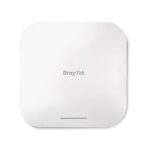
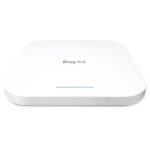
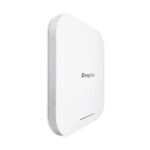
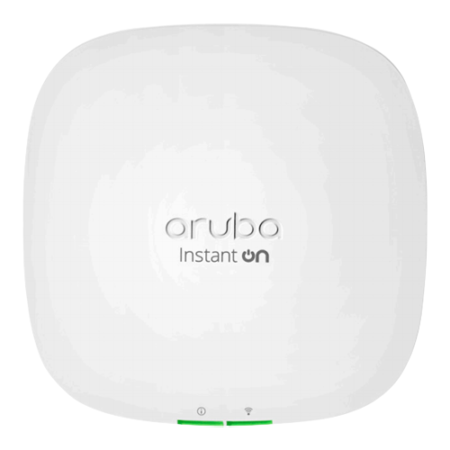
DrayTek VigorAP 1060C WiFi 6 PoE+ Mesh Access Point (3600Mbps AX)
DrayTek VAP1060C VigorAP WiFi 6 Access Point (AX)
Note: This access point does NOT include any PoE injectors or power supplies.
The DrayTek VAP1060C VigorAP WiFi 6 PoE+ Access Point, with 3.6 Gbps aggregated max rate, is suitable for high density environments. It can be cloud-managed by VigorACS, and also act as the master AP to manage up to 50 node VigorAPs in LAN.
Key Features
- Mesh: Easily link to other VigorAP to expand the wireless network.
- PoE Power Supply: Simplify the infrastructure by getting data and power through a single cable.
- Multiple SSID: Map WiFi clients to different VLANs and have a different set of security standards.
- Airtime Fairness: Equalise the transmission time of each client so the legacy devices won’t slow everyone down.
- Band Steering: Redirect 5GHz-capable devices to the 5GHz radio to get a faster speed.
- Assisted WiFi Roaming: Solve the sticky client problem and improve WiFi roaming experience.
- WiFi Scheduling: Schedule WiFi On and Off to control wireless access and save energy.
- Local RADIUS Server: User profile database for local and external 802.1x authentication.
- Hotspot Web Portal: Market your business and communicate with the guests while offering hospitality WLAN.
- Central AP Management: Manage, maintain, and monitor VigorAP 1060C from your DrayTek router (sold separately).
Utilise Transmission Opportunity with OFDMA
OFDMA has been used in LTE for many years, and is now available in 802.11ax (WiFi 6) for multi-user mode. Traditionally with OFDM, each frame is transmitted across the entire channel width. With low-rate transmission still using the whole channel, it brings latency and jitter to others and lower the overall efficiency. OFDMA splits a single transmission into groups of subcarriers, and each subcarrier can be used by different client. With multiple clients transmitting simultaneously in the same channel, it improves efficiency of every single transmission opportunity and thus improves the wireless experience in high-density environments.
Third Radio for RF Analytics & Security
- RF Analytics & Auto Channel
VigorAP 1060C with a dedicated third radio is able to constantly monitor on all channels for airtime availability and channel utilisation. It will always show the 3 best quality channels for Admin’s selection.
- Wireless Security with WIDS
The radio can also keep monitoring on rogue APs. When detecting an unknown AP broadcasting the same SSID, VigorAP 1060C can notify network admins for further action.
Hotspot with External Captive Portal Server
Working as NAS (network access server), VigorAP 1060C supports the 802.1x standard. It can redirect new clients to the designated portal server to go through the hotspot login process and receive corresponding RADIUS attributes and perform bandwidth limit and time limit accordingly. This function is ideal for retail, restaurants, coffee shops, and hospitality to do WiFi marketing and learn more about their clients.
Station list and Allow/Block list
The VigorAP records associated devices with signal strength, airtime, link rate, data usage, etc. Network admins can track clients’ connectivity and activities history on this single panel. If spotting suspicious activities, allow/block policies can also be made right away by MAC or device type.
Nearby Station Analytics
The VigorAP tracks MAC addresses from both associated and non-associated devices with signal strength. This information could help retailers and hospitality customers to understand visitor behaviors, and to optimise their business opening hours/marketing campaigns accordingly.
AP-assisted Roaming
- Making Transmission Effective
Disassociate the Wireless clients who are out of the effective transmission range defined by custom Basic Rate or/and RSSI threshold, and force them to pick up another access point with a stronger signal.
- Resource Saving
Proactively kick out the clients with a low basic rate or low RSSI – this can prevent the access points trying to do ineffective transmission but saves the airtime, which will result in a better WLAN experience for all.
- No Controller Required
Assisted Roaming is a feature built into all Vigor Access Points and selected Wireless routers. They operate without a wireless controller, providing an ideal solution for simple network deployment.
- Stronger Signal Guaranteed
By using the “Minimum RSSI with Adjacent AP” option, the AP/Router on the same local subnet will exchange client information with each other, providing the choice to disassociate the client only when the other AP detects a stronger signal, thus keeping the client connected when there is no other AP nearby.
Root AP for AP Management
VigorAP 1060C is capable of working as the Root AP and can manage up to 50 Node APs within the same LAN subnet.
- Top-Level Root AP
AP Management can work alongside Mesh in a more top-level manner. Root AP can manage wired APs which operate in either AP mode or Mesh Root mode. After receiving provision from Root AP, Mesh Root can then synchronise configuration with its mesh members accordingly. In small installations with fewer than 8 APs, Mesh with wired and wireless nodes is handy; while in larger installations, the hybrid solution with AP management and Mesh is more competent.
- Retain High Performance
Unlike the performance decay brought by mesh wireless uplink, a Node AP with wired uplink constantly provides a high performance experience, and thus WatchGuard always recommend using wired uplink when possible.
- Zero Touch Deployment
After auto-detecting and adding Node AP into management list, Root AP will provision relevant AP configurations to node APs.
- Node AP Monitoring
Node APs are presented with IP address, operating channel, SSID of each radio, number of clients, and firmware version all in one page, and the AP offline can be easily spotted.
Specifications
LAN Port
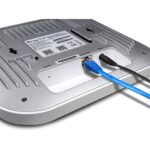
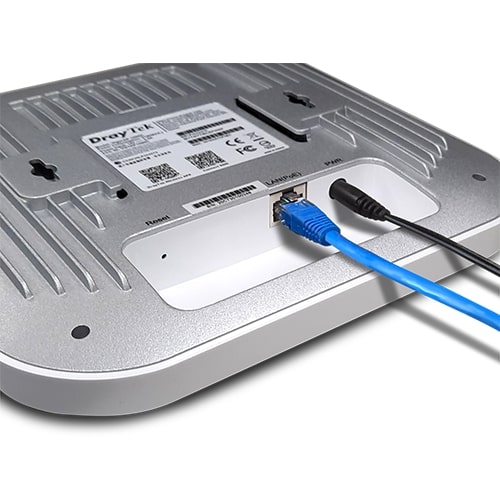
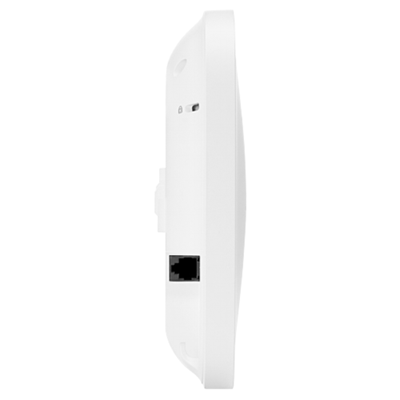
- 1 x 2.5G/1G/100M/10M Ethernet, RJ45 (PoE-PD Support)
Antenna
- 4 x Internal PiFA Single-Band (2.4G)
- 4 x Internal PiFA Single-Band (5G)
- Gain: 5.1 dBi for 5GHz, 5 dBi for 2.4GHz
- 1 x Internal PCB DB (for scanning radio)
- Gain: 5.8 dBi for 5GHz, 4.3 dBi for 2.4GHz
Button
DC Power Jack
Security Lock
Capacity
2.4GHz Peak Speed
5GHz Peak Speed
Max. Number of Concurrent Active Clients
WLAN
2.4GHz Standard
- IEEE 802.11b/g/n/ax 4×4 MIMO
5GHz Standard
- IEEE 802.11a/n/ac Wave 2/ax 4×4 MU-MIMO
Operating Mode
- AP, Mesh Root, Mesh Node, Range Extender
Roaming
- AP-Assisted Roaming, PMK-Caching, Pre-Authentication
AirTime Fairness
Band Steering
Auto Channel Selection
Max. Number of SSID
WDS
Client Numer Limit
Connection Time Control
WMM
Security
Security Mode
- WPA3, WPA3/WPA2, WPA2, WPA2/WPA, OWE, WPA, WEP, None
Authentication
WPS
Hidden SSIDs
MAC Address Filter
Wireless Client Isolation
Mobile Device Management
Application
Built-in RADIUS Server
RADIUS Proxy
Hotspot Web Portal
DHCP
- DHCP Server, DHCP, Client, DHCP Relay Agent
Static IP
MAC Clone
802.1q VLAN
Schedule
- Auto-Reboot, WiFi Up/Down, LED On/Off
Management
Local Service
Configuration
- Stand Alone, TR-069 (VigorACS), VigorRouter APM, VigorAP Mesh Root
Firmware Upgrade
Tools
- Speed Test, AP Discovery, Statistics
Configuration Backup and Restore
Syslog
Mail Alert
SNMP
Managed by VigorConnect
Central AP Management
Physical
Environment
Mounting
- Ceiling Mount, Wall Mount
Power Method
- DC 12V @ 2.5A / 802.3af/at PoE
Max. Power Consumption
Dimension
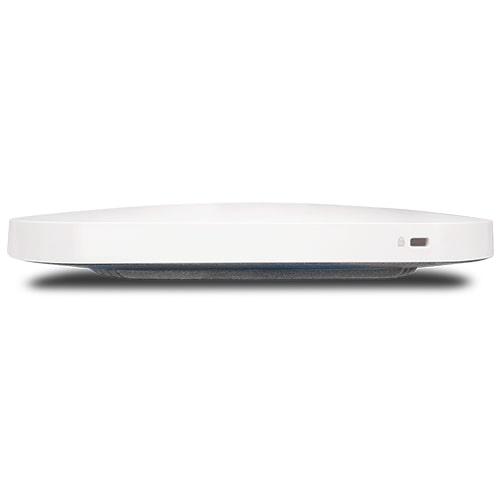
- 205 mm x 205 mm x 33.2 mm
Weight
Operating Temperature
Storage Temperature
Operating Humidity
Package Contents
- 1 x DrayTek VigorAP 1060C
- 1 x Mount base (for ceiling mounting)
- 1 x Set of fixings and screws (for ceiling mounting)
- 1 x Mount base (for wall mounting)
- 1 x Screw set (for wall/ceiling mounting)
- 1 x Cable tie
- 1 x RJ45 Ethernet cable
- 1 x Quick Start Guide
Standard Warranty: 2-Years















Reviews
There are no reviews yet.