


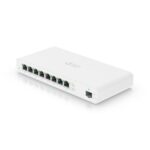
DrayTek VSG1085-K VigorSwitch Cloud Managed 8 Port Gigabit Switch

£107.71 inc.VAT / £89.76 exc.VAT
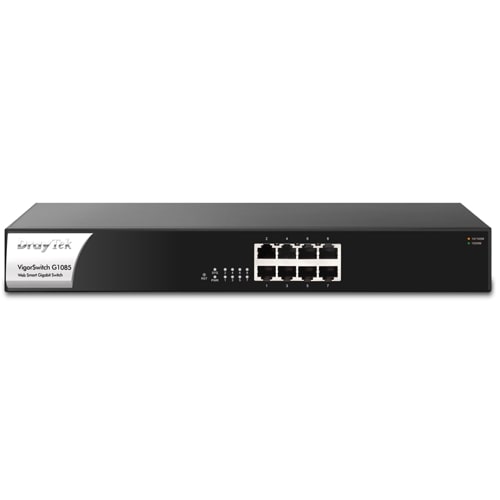
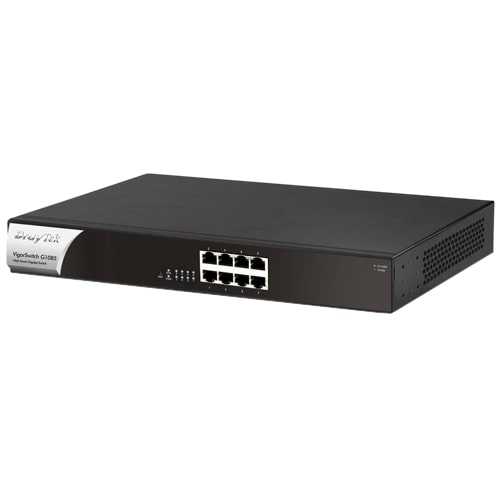
DrayTek G1085 VigorSwitch 8-Port Cloud Managed Rackmount Gigabit Switch
The DrayTek G1085 VigorSwitch 8-Port Cloud Managed Rackmount Gigabit Switch is ideal for adding network ports to a DrayTek Vigor router (sold separately), implementing complex networks with VLANs and adding port-level security with the switch’s Access Control List. Designed for centralised management, the VigorSwitch G1085 can be provisioned and monitored with the VigorACS management platform, the free VigorConnect single site management system and/or with a DrayTek Vigor router’s Central Switch Management. Easily provision VLAN configuration through the router and clone switch configurations. Drastically reduce the setup time required for a complex network and configure an entire DrayTek network remotely.

DrayTek G1085 VigorSwitch 8-Port Cloud Managed Rackmount Gigabit Switch
DrayTek VSG1085-K VigorSwitch Cloud Managed 8 Port Gigabit Switch
The DrayTek G1085 VigorSwitch 8-Port Cloud Managed Rackmount Gigabit Switch is ideal for adding network ports to a DrayTek Vigor router (sold separately), implementing complex networks with VLANs and adding port-level security with the switch’s Access Control List. Designed for centralised management, the VigorSwitch G1085 can be provisioned and monitored with the VigorACS management platform, the free VigorConnect single site management system and/or with a DrayTek Vigor router’s Central Switch Management. Easily provision VLAN configuration through the router and clone switch configurations. Drastically reduce the setup time required for a complex network and configure an entire DrayTek network remotely.
Key Features
- Eight (8) RJ45 Gigabit Ethernet Ports.
- Cloud Managed with VigorACS.
- 802.1q VLANs with Dynamic MAC-based, Voice & Surveillance VLAN.
- ONVIF IP Camera Surveillance Management with Device Check.
- QoS for application traffic prioritisation.
- Access Control List (ACL) for port & traffic level security.
- Port Mirroring & Link Aggregation.
- IGMP Snooping & Querying.
- IPv4 and IPv6 Support with IP Conflict Prevention.
- Centrally managed or standalone operation.
Managing a VigorSwitch through VigorACS
DrayTek’s VigorACS central management system provides a centralised way to manage and view the status of any DrayTek Vigor router, VigorAP access point and VigorSwitch connected to the VigorACS server.
DrayTek VigorSwitch switches that support TR-069 management can be managed through DrayTek VigorACS 2 in the same way that a DrayTek Vigor router or VigorAP access point would be managed. Through VigorACS, you can view and manage a single VigorSwitch, all switches on a site, or all switches across an entire network spanning multiple sites in one place.
DrayTek VigorSwitches connected to VigorACS connect directly to the VigorACS server to be managed, the router or network that they are connected to needs no additional configuration beyond the VigorSwitch having access to the internet (or if your VigorACS server is located across a private WAN / VPN connection, access to that network).
Central Switch Management with a DrayTek Vigor Router
DrayTek Vigor router Central Switch Management provisions and monitors VigorSwitch switches through a DrayTek Vigor router (sold separately), with profiles that can be applied to multiple switches and VLAN configuration all handled within the router. Central Switch Management requires firmware support on both the VigorSwitch and the DrayTek Vigor router.
This can simplify the setup of multiple subnets and VLANs, without needing in-depth knowledge of VLAN tagging and reduces setup time, with the time consuming step of configuring VLANs for each port handled by the router instead.
Dynamic MAC-based VLAN
Assign VLAN access to individual devices instead of ports with MAC-based VLAN, to ensure that devices are assigned to the correct network regardless of which switch port they’re plugged into.
With MAC-based VLAN, users can move around the office and make use of the same network resources and access through any port on the switch, without requiring manual re-configuration of VLAN settings on individual ports.
Surveillance & Voice Auto VLAN
With Voice VLAN and Surveillance VLAN, the VigorSwith G1085 simplifies the setup of connected IP Phones and IP Cameras. Move around ports on the switch without having to manually re-configure VLAN and QoS settings each time, instead the switch will auto-assign VLAN tags and Quality of Service to IP Phones and IP Cameras, ensuring that each device remains on the correct network and that essential Voice and Video data is prioritised on the network.
The switch identifies cameras and phones from their MAC address (Vendor OUI), so that when connecting up an IP Phone from Yealink for instance, the switch would configure the VLAN ID and set the QoS tag for that port. Moving the phone to a different port, the switch will ensure that the VLAN settings follow the device rather than requiring a fixed VLAN & QoS configuration per-port.
Link Aggregation (LAG) & Port Trunking
Use two or more network links to connect the VigorSwitch G1085 to a switch or server. Traffic is shared between the two ports, effectively doubling the available bandwidth for a server or uplink on the network, as well as providing resilience, should one of the links fail. The standardised Link Aggregation Control Protocol (LACP) allows for interoperability with a wide range of networking products, as well as linking up DrayTek switches.
IGMP Snooping & Querying
Manage and control multicast IGMP traffic passing through the switch, with IGMP Snooping & Querying. With IGMP Snooping, the switch tracks IGMP traffic passing through its ports. Allowing it to limit the broadcast of multicast/IGMP packets to only the ports that have subscribed, improving overall network performance and avoiding excess network traffic. The VigorSwitch’s IGMP Querier allows it to manage IGMP subscriptions on its network ports, checking which ports are members of which multicast group, if the network’s router does not support multicast.
ONVIF IP Camera Management
The VigorSwitch G1085 can discover, manage and configure ONVIF (Open Network Video Interface Forum) compatible IP cameras and NVR systems, allowing for easy discovery, management and troubleshooting of your connected IP cameras.
- Device Management
Use the VigorSwitch to configure and manage your IP camera network; configure network & security settings, restart cameras and have the switch monitor whether cameras are responding, alerting of any issues. - Network Surveillance Topology
Simply connect ONVIF capable devices to the VigorSwitch G1085, Discover devices and the VigorSwitch determines the network topology of connected cameras & NVR systems.
Camera Offline Alerts with Snapshot
The VigorSwitch G1085 can store a recent snapshot of each connected IP Camera that’s ONVIF compliant. If a camera goes offline, the VigorSwitch sends out an email alert with the last-seen snapshot from the camera that’s stopped responding. This allows you to locate the affected camera easily and troubleshoot any problems it may have, such as a disconnected cable or faulty camera.
Quality of Service & Bandwidth Control
Prioritise mission-critical services such as Voice over IP and optimise traffic on your network with Quality of Service. 802.1p Class of Service allows the switch to identify essential traffic, moving it ahead in the queue at busy uplinks, ensuring that important data arrives on time when passing through the switch.
Auto Voice & Surveillance VLAN allow the switch to automatically assign VoIP Phones and IP Cameras to their specified VLAN and prioritise their traffic without manual port configuration. Control and manage throughput per-port with Rate Limiting and application specific Traffic Shaping.
Network Security and Management Features
Control port access for every port on your network with the VigorSwitch Access Control List – to specifically allow or deny specified traffic types moving between ports, just like a Firewall. Protect against network issues arising from connection of unwanted devices with IP Source Guard.
Rack Mountable & Silent
Install the VigorSwitch on a desk, shelf or wall, or use the included rack mount fittings to install the switch in any standard 19″ rack with 1U height. Ideal for installation in quiet office environments, the VigorSwitch G1085 runs quietly, cooling without a fan.
Specifications
Physical Interfaces
- 8 x RJ45 Ethernet Ports – 10/100/1000Mbps
- Factory Reset Button
VLAN
- 802.1q Tag-based VLAN
- Port-based & MAC-based VLANs
- Up to 255 VLANs (out of 4096 VLAN IDs)
- Voice VLAN (OUI Mode)
- Surveillance VLAN (OUI Mode)
- Management VLAN
- Port Isolation (Protected Ports)
QoS
- Support 8 priority queues
- Port-Based rate control (Ingress & Egress)
- Priority queue schedule (WRR or Strict Priority)
- Rate Limit
- Class of Service
- 802.1p CoS
- DSCP
- CoS-DSCP
- IP Precedence ToS
Network Security
- IP Source Guard with ARP inspection
- IP Conflict Prevention
- Storm Control (Broadcast, Unknown Multicast, Unknown Unicast)
- DoS Attack protection
- Protected Port / Port Isolation
- Static Port Security
- Loop Detection & Prevention
- Access Control Lists (ACL)
- Up to 512 ACL Entries
- Source and destination MAC
- VLAN ID
- IPv4/v6 address
- Protocol
- TCP/UDP port
Spanning Tree
- Spanning Tree Protocol (STP)
- Rapid Spanning Tree Protocol (RSTP)
Link Aggregation
- Combine multiple ports to increase bandwidth
- 8 Aggregation Groups
- Up to 8 ports in each group
- LACP or Static setup
- Supports traffic load balancing
Networking Performance
- Switching Capacity: 16Gbps
- Forwarding Rate: 11.9Mpps
- Jumbo Frames up to 9KB
- Packet Buffer size: 4.1Mbit
Multicast
- Up to 256 multicast groups
- Multicast Group Filtering / Throttling
- IGMP Snooping V2/V3 (BISS)
- IGMP V2/V3 Querier
- Multicast VLAN registration
ONVIF Surveillance Management
- Discovery of ONVIF-compliant IP Cameras
- Surveillance Topology
- Real-Time Video Streaming
- ONVIF Device Maintenance
- Device Information
- Network Settings Configuration
- Time Settings
- Reboot
- Reset to Factory Default Settings
- Ping Check with Mail Alert on disconnection
Management
- Central Management
- VigorACS
- VigorConnect
- Vigor Router Switch Management (requires router firmware support)
- IPv4 & IPv6 Dual-Stack
- Web User Interface
- Firmware Upgrade/Backup
- Configuration Backup/Restore
- Factory Default
- System Reboot
- 2-level Admin Privileges
- Multiple Admin Accounts
- Command Line Interface (CLI) via SSH/Telnet
- OpenVPN Client with Certificate-based auth
- SNMP v1, v2c, v3 (with Generic Traps)
- SNTP (Simple Network Time Protocol)
- LLDP (802.1ab)
Diagnostics
- Port Status & Usage display
- CPU/RAM Usage display
- MAC Address Table
- Device Check
- Syslog
- Mail Alert
- Port Status
- Port Speed Change
- System Restart
- Device Check
- IP Conflict
- ONVIF IP Camera Snapshot
- Port Mirroring
- Ping Diagnostics
- Port-based Cable Test
IPv4 Features
- DHCP Client
- DNS Client
IPv6 Features
- Auto Configuration
- Static IPv6 Address & Prefix Length
- Static IPv6 Default Gateway
- IPv6 Neighbour Discovery (ND)
- IPv6 Duplicate Address Detection
- ICMPv6
- DHCPv6 Client
General IEEE Standards Compliance
- 802.3 10Base-T
- 802.3u 100Base-T
- 802.3ab 1000Base-T
- 802.3x Flow Control
- 802.3 Auto-Negotiation
- 802.1q Tag-based VLAN
- 802.1p Class of Service
- 802.1d STP
- 802.1w RSTP
- 802.3ad LACP
- 802.1x Port Access Control
- 802.1AB LLDP
- 802.3az EEE
Operating Requirements
- Power Input Requirements: 100-240VAC
- Power supply: Internal
- Maximum Input Power Consumption: 9 Watts
- Cooling: Passively cooled
- Operating Temperature: 0 °C to 45 °C
- Storage Temperature: -20 °C to 70 °C
- Operating Humidity: 5% to 90% RH (non-condensing)
Physical Specifications
- Dimensions: 330 x 230 x 44 mm (W x D x H)
- Rack mountable: 1U
- Weight: 1.83Kg
Package Contents
- 1 x DrayTek VigorSwitch G1085
- 1 x IEC C13 Mains Power Cable with UK Plug
- 1 x Rack Mounting Brackets & Screws
- 1 x Quick Start Guide
Standard Warranty: 2-Years
Only logged in customers who have purchased this product may leave a review.
Related Products
TP-Link TL-SG2008 JetStream 8-Port Layer 2+ Managed Desktop Gigabit Switch
Seamless wireless & wired connections are provided ideally for hospitality, education, retail, offices much more.
Out of stock
TP-Link LS1008G LiteWave 8-Port Unmanaged Desktop Gigabit Switch (10/100/1000Mbps)
TP-Link LS1008G LiteWave 8-Port Unmanaged Gigabit Switch provides an easy and affordable way to expand your wired network.
Out of stock

Ubiquiti UISP Gigabit PoE Switch for MicroPoP Applications (UISP-S)
( 2 in Stock – Available for next day shipment )
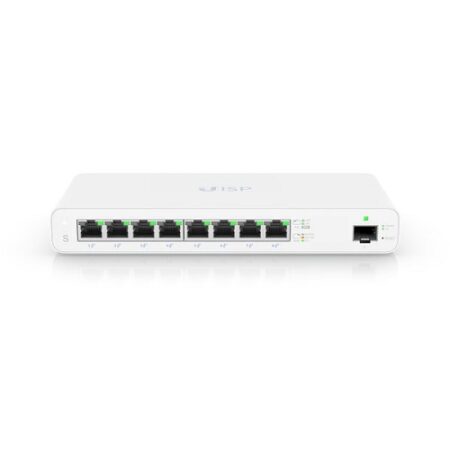
UISP Switch is a fan-less Layer 2 PoE switch with (8) GbE RJ45 ports and (1) 1G SFP port for an additional fiber uplink option, making it ideal for wireless ISP (WISP) deployments.
2 in stock
TP-Link TL-SG1008D 8-Port Unmanaged Desktop Gigabit Switch
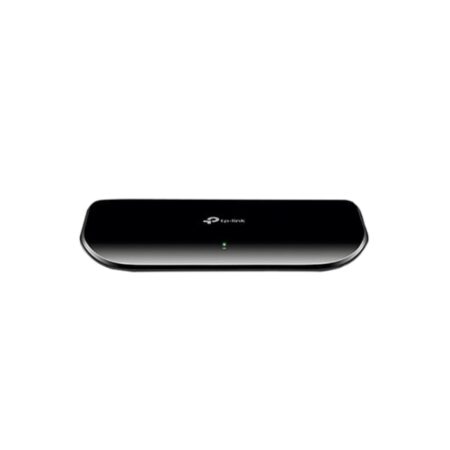
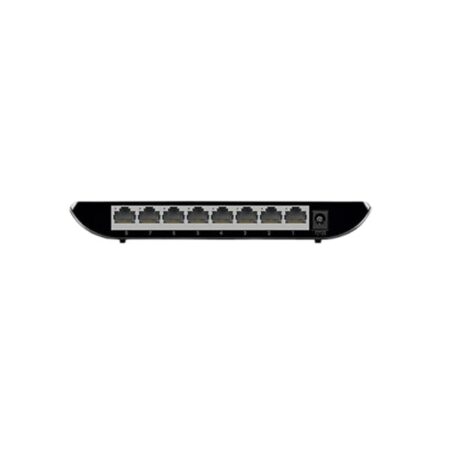
TP-LINK TL-SG1008D 8 Port Gigabit Switch provides you with a high-performance, low-cost, easy-to-use, seamless and standard upgrade to improve.
Out of stock

TP-Link TL-SG1008MP 8-Port Unmanaged Rackmount Gigabit PoE+ Switch (126W)
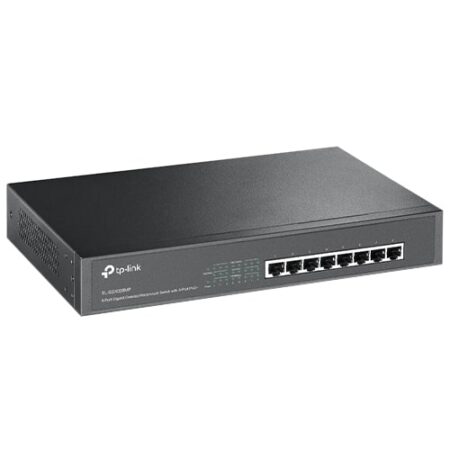
The TP-Link TL-SG1008MP 8-Port Unmanaged Gigabit PoE+ Switch supports the PoE+ standard on all ports. It provides a simple way to expand a wired network by transferring power and data over a single Ethernet Cable. With a total power budget of 126W and up to 30W per port, the TL-SG1008MP can power more high-powered devices such as wireless access points (APs), IP cameras or IP phones. Moreover, with innovative energy-efficient technology, the TL-SG1008MP can save up to 75% of the power consumption, making it an eco-friendly solution for your business network.
Out of stock
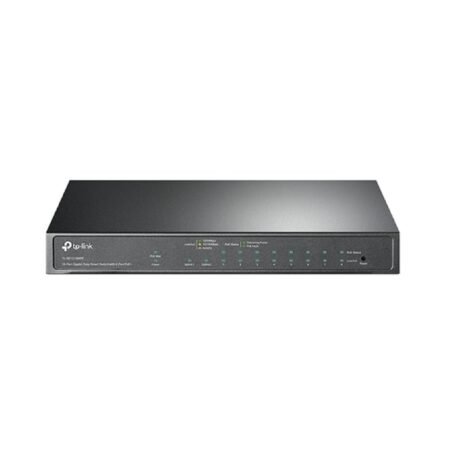
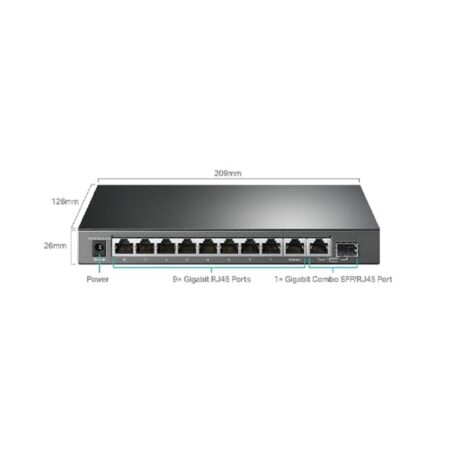
TP-Link TL-SG1210MPE Easy Smart 9-Port Smart Managed Desktop Gigabit PoE+ Switch w/ 1 x 1GbE RJ45/SFP Combo Port (123W)
TP-Link TL-SG1210MPE Easy Smart Desktop PoE+ 9 Port Gigabit Switch is an easy smart switch with nine (9) gigabit RJ45 ports.
Out of stock
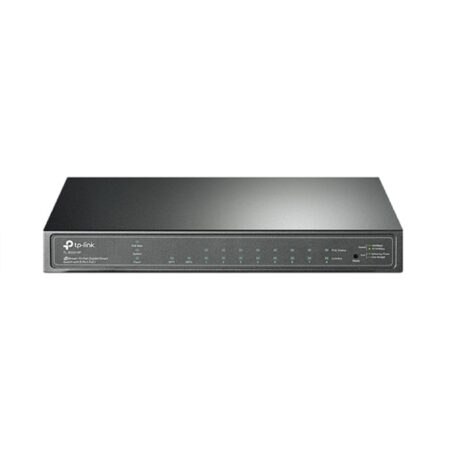
TP-Link TL-SG2210P JetStream 8-Port Smart Managed Desktop Gigabit PoE+ Switch w/ 2 x 1Gbps SFP Ports (61W)
TP-Link TL-SG2210P JetStream 8-Port Smart Managed Gigabit PoE+ Switch can be managed by the Omada SDN Controller, which provides professional and reliable one-step solutions.
Out of stock
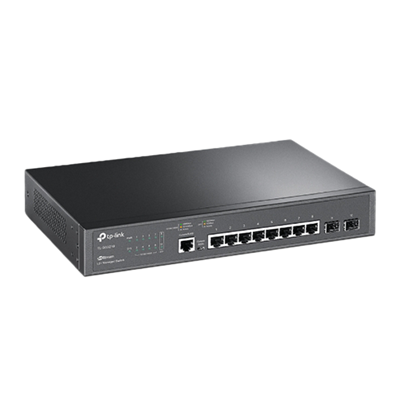
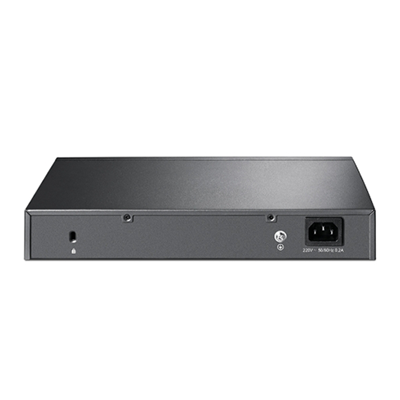
TP-Link TL-SG3210 JetStream 8-Port Layer 2+ Managed Gigabit Switch w/ 2 x 1G SFP Slots
The TP-Link TL-SG3210 JetStream 8-Port L2+ Managed Gigabit Ethernet Switch provides high performance, powerful L2 and L2+ features like static routing, enterprise-level QoS, advanced security strategies and a bundle of ISP features. The IP-MAC-Port Binding (IMPB) and Access Control List (ACL) functions protect against broadcast storm, ARP and Denial-ofService (DoS) attacks, etc. Quality of Service (QoS, L2 to L4) provides enhanced traffic management capabilities to move your data smoother and faster. The OAM and DDM functions help facilitate network management. Moreover, the easy-to-use web management interfaces, along with CLI, SNMP and Dual Image mean faster setup and configuration with less downtime. TP-Link JetStream L2/L2+ managed Switches provide a reliable, secure solution for enterprise, campus and ISP networks.
Out of stock
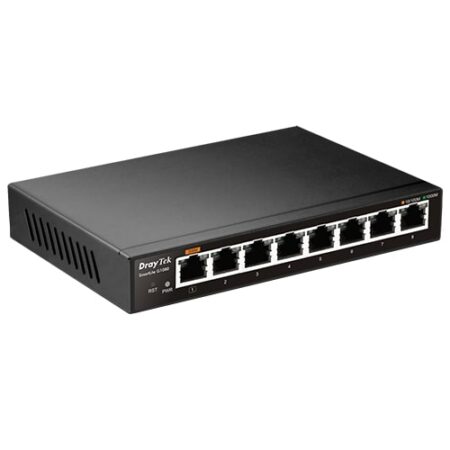

DrayTek G1080 VigorSwitch 8-Port Smart Managed Desktop Gigabit Switch
The DrayTek G1080 VigorSwitch 8-Port Smart Managed Desktop Gigabit Switch is ideal for SOHO and small businesses with high-performance capability, and is equipped with eight (8) Gigabit Ethernet ports to cater for high bandwidth traffic. The VigorSwitch G1080 is equipped with extensive facilities for maximising your LAN performance, VLAN capability to allow flexible network design, and QoS capability for flexible bandwidth control.
8 in stock
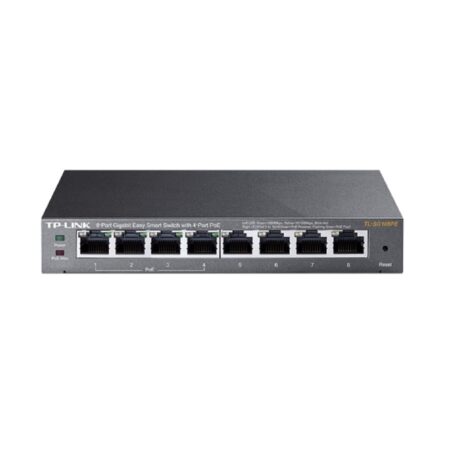
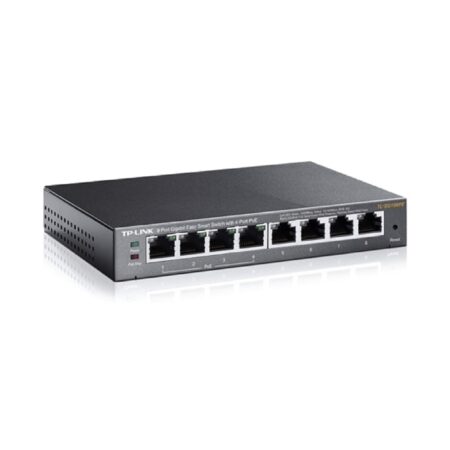
TP-Link TL-SG108PE Easy Smart 8-Port Smart Managed Desktop Gigabit PoE Switch (55W)
TP-Link TL-SG108PE Smart Managed Desktop PoE 8 Port Gigabit Switch represents a powerful upgrade from an unmanaged switch.
Out of stock
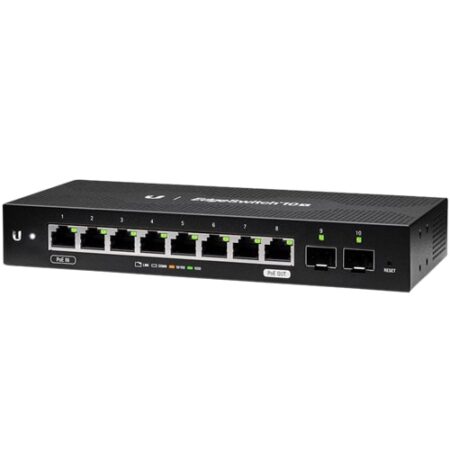
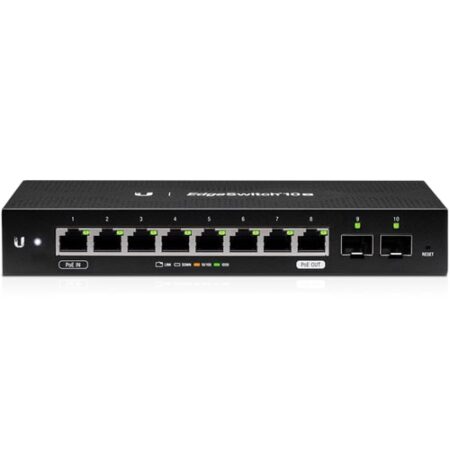
Ubiquiti ES-10X Edge Switch 8-Port Managed Passive PoE Gigabit Switch w/ 2 x 1GbE SFP Ports (52W)
The Ubiquiti ES-10X Edge Switch Managed Passive PoE 8-Port Gigabit Switch is an affordable managed 8-port switch with two additional SFP ports, and is ideal for WISP applications. This switch has eight Gigabit RJ45 ports that offer copper connectivity with PoE input on port 1 and PoE pass through on port 8, as well as two SFP ports providing fibre connectivity. The browser-based configuration interface offers intuitive control using a redesigned UI. Management is also available through the Ubiquiti Network Management System (UNMS).
Out of stock

Ubiquiti ES-10XP Edge Switch 8-Port Passive PoE Gigabit Switch w/ 2 x SFP Ports (52W)
The Ubiquiti Edge Switch 10XP is is a managed PoE switch with SFP ports that is optimised for WISP deployments, with eight Gigabit RJ45 ports offering copper connectivity with 24V PoE output and two SFP ports offering fibre connectivity.
Out of stock
Reviews
There are no reviews yet.