
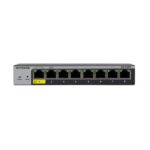
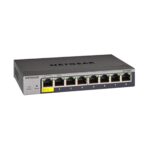
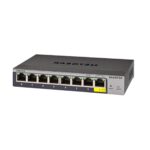
NETGEAR GS108T-300UKS Managed 8 Port Gigabit Switch
£106.75 inc.VAT / £88.96 exc.VAT
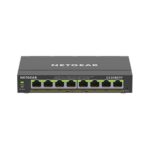
NETGEAR GS108Tv3 8-Port Smart Managed Desktop Gigabit Switch (10/100/1000BASE-T RJ45 ports)
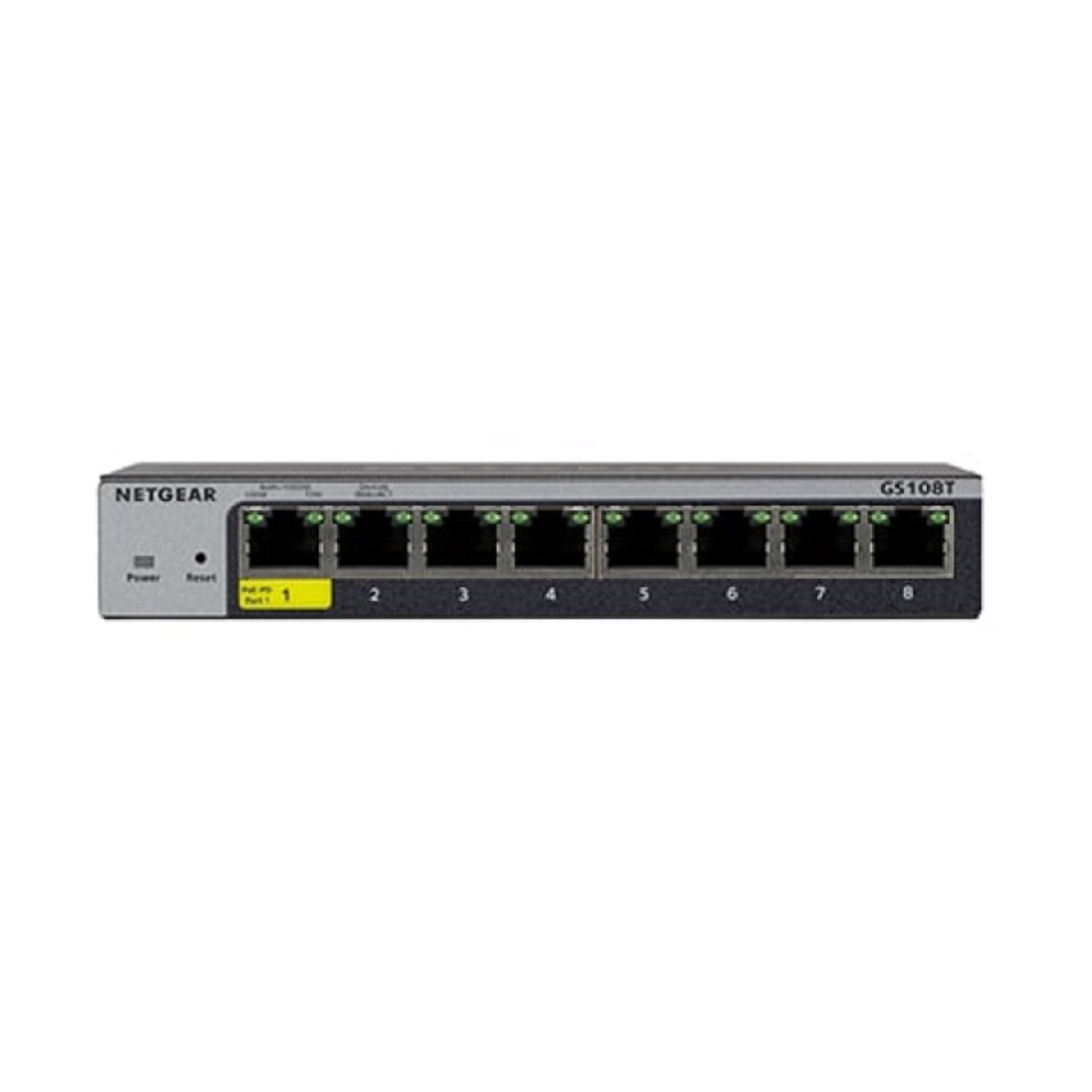
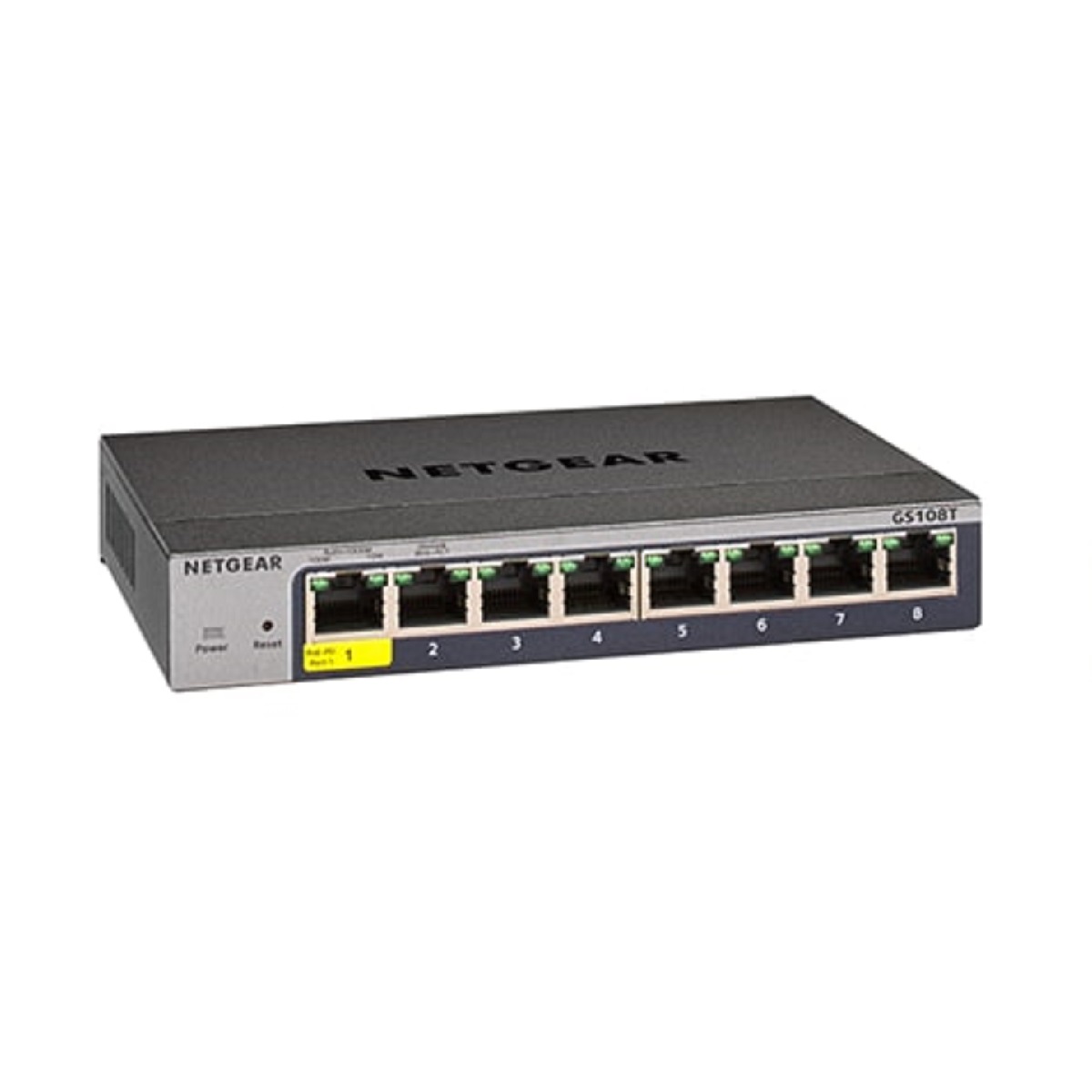
NETGEAR GS108T-300UKS Managed 8 Port Gigabit Switch provides configurable L2 network features like VLANs and PoE operation scheduling, allowing SMB customers.

NETGEAR GS108Tv3 8-Port Smart Managed Desktop Gigabit Switch (10/100/1000BASE-T RJ45 ports)
NETGEAR GS108T-300UKS Managed 8 Port Gigabit Switch
NETGEAR GS108T-300UKS Managed 8 Port Gigabit Switch provides configurable L2 network features like VLANs and PoE operation scheduling, allowing SMB customers to deploy PoE-based VoIP phones and IP surveillance.
Advanced features such as Layer 3 static routing, IPv6 management, ACL, DiffServ QoS, LACP link aggregation and Spanning Tree will satisfy even the most advanced small business networks. Fanless, the GS108Tv3 supports perfectly silent desktop operation or wall mounting.

Gigabit Switch GS108T-300UKS Managed 8 Port
Key Features
- Eight (8) Gigabit 10/100/1000BASE-T RJ45 ports.
- Remote/Cloud Management capabilities with NETGEAR Insight – just activate it on the Insight platform.
- Flexible solution for SMB data, voice and video converged network.
- 16Gbps non-blocking switching.
- Fanless switch for silent operation in noise sensitative environment.
- Flexible mounting options – desktop and wall-mounting with VESA holes.
- Layer 3 static routing with 32 routes (IPv4) for inter-VLAN local routing.
- Advanced VLAN support for better network segmentation.
- L2/L3/L4 access control lists (ACLs) for granular network access control including 802.1x port authentication.
- Advanced QoS (Quality of Service) for traffic prioritization including port-based, 802.1p and L2/L3/L4 DSCP-based.
Fully-integrated Cloud-manageable Device
The GS108Tv3 requires no additional hardware or software (cloud keys, network portals, local servers, VPN or proxy appliances etc.) to directly connect to the cloud and allow remote management. Just switch to Insight Cloud Management mode through Web browser-based User Interface and go.
By activating the NETGEAR Insight Cloud management, the users will enable fundamental management features allowing businesses simpler configuration and deployment from anywhere using the NETGEAR Insight app from mobile devices or the Insight Cloud Portal from any device with a web browser.
Unique advanced management features of these Insight Managed devices include:
- Remote monitoring and management with performance dashboards and troubleshooting features including remote reboot, port and PoE advanced configuration including remote enable/disable/power-cycle, PoE scheduling, and firmware updates with auto-schedule mode.
- Single pane-of-glass multi-device, multi-network, and multi-site remote monitoring and notifications with the NETGEAR Insight app.
- Full-fledged local or remote access for configuration, management, and monitoring on a larger display using your tablet, laptop, or desktop computer through the NETGEAR Insight Cloud Portal.
- Configurable in-app and email alerts and notifications.
- Auto-join and configure (zero-touch provisioning) for additional Insight Managed devices added to the network.
- Centralized network configuration (policies) across Insight Managed Switches, Access Points, and ReadyNAS storage for VLANs, ACLs, QoS, LAGs, etc.
- Cloud-based network administration, monitoring, and firmware management.
Comprehensive IPv6 Support for Management, ACLs and QoS
Build current networks with the future in mind. The GS108Tv3 ensures investment protection and a smooth migration to an IPv6-based network without the need to replace your switch.
IPv4
A simple way to provide segmentation of the network with internal routing through the switch – reserving the router for external traffic routing only, making the entire network more efficient.
Robust security features
- 802.1x authentication (EAP)
- Port-based security by locked MAC
- ACL filtering to permit or deny traffic based on MAC and IP addresses
Build a secured, converged network with all types of traffic by preventing external attacks and blocking malware while allowing secure access for authorized users.
Comprehensive QoS features
- Port-based or VLAN 802.1p-based prioritization
- Layer 3-based (DSCP) prioritization
- Port-based egress rate limiting
Advanced controls for optimized network performance and better delivery of mission-critical traffic such as voice and video.
Auto-VoIP, Auto-Voice VLAN, and Auto-Video VLAN
Automatic Voice over IP prioritization (Auto-VoIP) simplifies most complex multi-vendor IP telephone deployments either based on protocols (SIP, H.323 and SCCP) or on OUI bytes (default database and user-based OUIs) in the phone source MAC address. This provides the best class of service to VoIP streams (both data and signaling) over other ordinary traffic by classifying traffic, and enabling correct egress queue configuration. Similarly, Auto-Video VLAN enables IGMP snooping to minimize broadcast streams.
IGMP Snooping and MLD Snooping
The GS108Tv3 facilitates fast receiver joins, saving you money and improving network efficiency by ensuring multicast traffic only reaches designated receivers without the need of an extra multicast router.
Protected Ports
Ensuring no exchange of unicast, broadcast, or multicast traffic between the protected ports on the switch, the GS108Tv3 improves the security of your converged network. This allows your sensitive phone conversations to stay private and your surveillance video clips can be forwarded to their designated storage device without leakage or alteration.
DHCP Snooping
The GS108Tv3 ensures IP address allocation integrity by only allowing DHCP messages from trusted DHCP servers and dropping malformed DHCP messages with a port or MAC address mismatch.
Dynamic VLAN Assignment (RADIUS)
IP phones and PCs can authenticate on the same port but under different VLAN assignment policies. Users are free to move around and enjoy the same level of network access regardless of their physical location on the network.
Port Trunking/Link Aggregation (LACP)
Build up a bigger bandwidth to support aggregated uplink/downlink traffic or to provide redundant link(s). Aggregate up to eight (8) ports for 8Gbps connections.
Loop Prevention and Auto-DoS Prevention
Detect and prevent (auto port shutdown) accidental network loops and protect against DoS attacks.
Port Mirroring and Cable Test
Many-to-one port mirroring for better and quicker network diagnostics and troubleshooting. Cable test easily identifies bad Ethernet cables.
Dual Firmware Images
Dual firmware images for transparent firmware updates with minimum service interruption.
Firmware Updates from Cloud
Direct cloud-to-device firmware updates are available, and can be initiated and/or scheduled using the Insight app, all from the palm of your hand, anytime, anywhere!
Specifications
Hardware Specifications
Gigabit Ethernet RJ45 Copper ports (10M/100M/1G) – 1000BASE-T
- 8
Power Supply
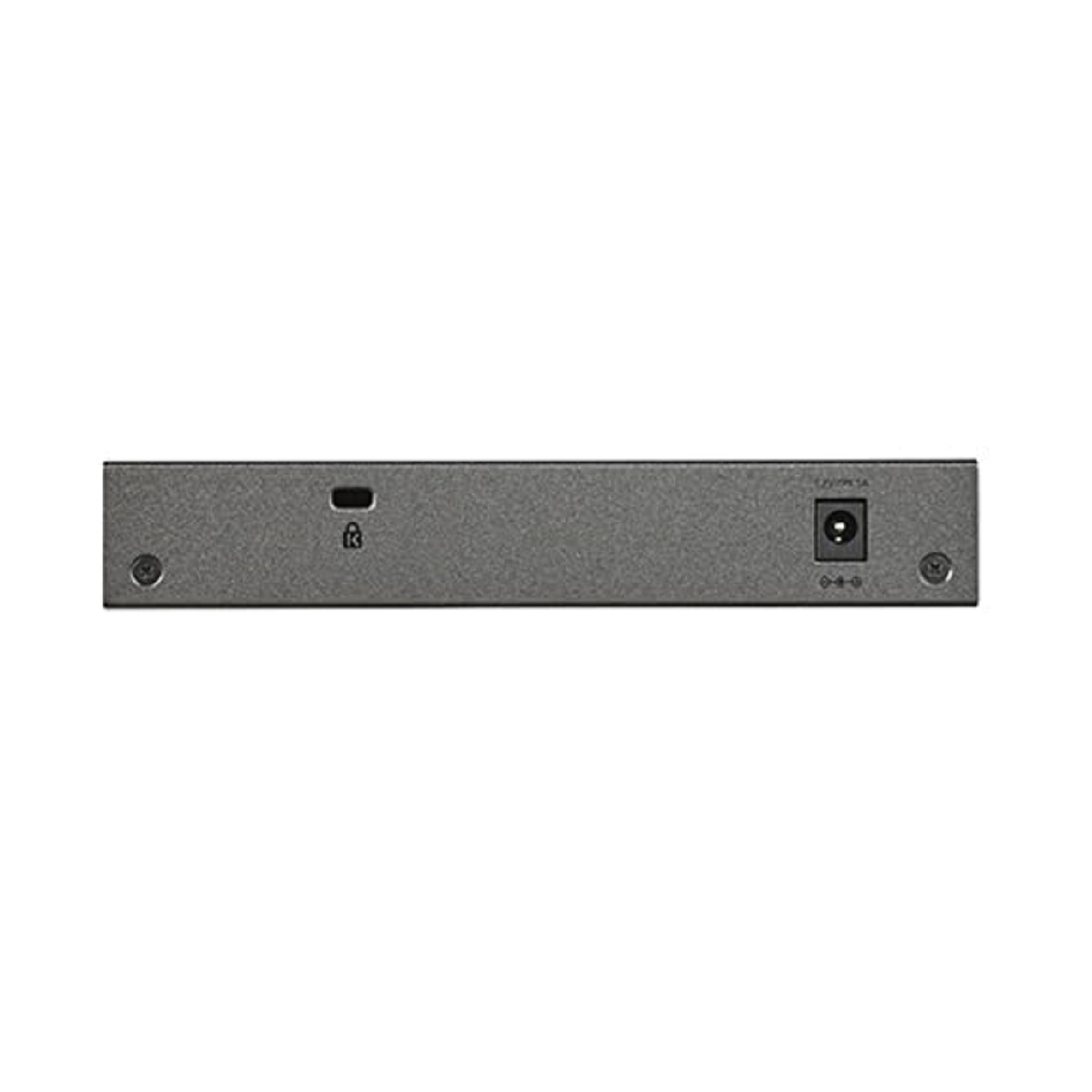
- External
- DC 12V 1.0A
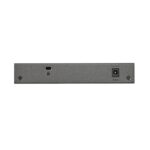
Kensington Lock
- Yes (rear)
LEDs
Front (port side) (per device)
- Power
Front (port side) (per port)
- Speed/Link/Activity
Unified Network Management Through NETGEAR Insight Cloud Management
Discovery, setup, monitoring and management
- NETGEAR Insight mobile app on phone or tablet
- Insight Cloud Portal from PC, Mac, or tablet web browser
Remote/Cloud management
- Anywhere, anytime, from the palm of your hand using Insight mobile app or from any PC, Mac, or tablet web browser using the Insight Cloud Portal
Centralized network configuration (policies)
- Centralized network configuration (policies) across Insight Managed Switches, Wireless Access Points, and Business-class ReadyNAS Storage for VLANs, ACLs, QoS, and LAGs
Device auto-join and configure (zero-touch provisioning)
- Additional Insight Managed devices added to the network automatically inherit the network configuration
Multi-site, multi-network single pane-of-glass view
- Manage multiple sites, locations, and networks in a single view using the Insight mobile app or Insight Cloud Portal
Multi-switch, multi-port concurrent configuration for ACLs, VLANs, QoS, PoE, etc.
- Apply settings and policies on multiple ports across multiple switches all at the same time using the Port Config Wizard
Performance Specification
CPU
- 500MHz single core
- 128MB RAM
- 32MB SPI FLASH
Packet buffer memory (Dynamically shared across only used ports)
- 512K
Forwarding modes
- Store-and-forward
Bandwidth (non-blocking, full duplex)
- 16Gbps
Priority queues
- 8
Priority queuing
- Weighted Round Robin (WRR) and Strict Priority
MAC Address database size (48-bit MAC addresses)
- 8K
Multicast groups
- 256
Number of IPv4 static routes
- 32
Number of VLANs
- 64
Number of DHCP snooping bindings
- 256
Access Control Lists (ACLs)
- 100 shared for MAC, IP and IPv6 ACLs
Packet forwarding rate (64 byte packet size) (Mfps or Mpps)
- 11.9
1G Copper latency (µsec)
- 64-byte: 3.847 µsec
- 1518-byte: 4.047 µsec
- 9216-byte: 3.784 µsec
Jumbo frame support
- Up to 10K packet size
Acoustic noise level @ 25° C (dBA) (ANSI-S10.12)
- 0 dBA (fanless)
Mean Time Between Failures (MTBF) @ 25ºC
- 2,388,657 hrs (272 yrs)
L2 Services – VLANs
IEEE 802.1Q VLAN Tagging
- Yes
Protocol-based VLANs
- Yes
MAC-based VLANs
- Yes
Auto-VoIP VLAN / Auto-Voice VLAN
- Yes, based on OUI bytes (default database and user-based OUIs) in the phone source MAC address
Auto-VoIP
- Yes, based on protocols (SIP, H.323 and SCCP). Priorities traffic to a higher queue
Voice VLAN
- Yes, based on either VLAN ID or 802.1p priority, packets are passed onto the connecting VoIP phone using LLDP-MED
Auto-Video VLAN
- Yes
L2 Services – Availability
Broadcast, multicast, unknown unicast storm control
- Yes
IEEE 802.3ad – LAGs (LACP)
- Yes
IEEE 802.3x (full duplex and flow control)
- Yes
IEEE 802.1D Spanning Tree Protocol
- Yes
IEEE 802.1w Rapid Spanning Tree Protocol
- Yes
IEEE 802.1s Multiple Spanning Tree Protocol
- Yes
L2 Services – Multicast Filtering
IGMP snooping (v1, v2 and v3)
- Yes
MLD snooping support (v1 and v2)
- Yes
IGMP snooping queries
- Yes
Block unknown multicast
- Yes
Multicast groups
- 256
L3 Services – DHCP
DHCP client
- Yes
DHCP snooping
- Yes
Number of DHCP snooping bindings
- 256
L3 Services – Routing
IPv4 static routes
- 32
VLAN routing
- Yes
Host ARP table / NDP cache (number of entries)
- 512 ARP
ICMP Router Discovery Protocol (IRDP)
- Yes
Link Aggregation
IEEE 802.3ad – LAGs (LACP)
- Yes
Manual Static LAG
- Yes
Number of Static or LACP LAGs / Number of members in each LAG
- 8 LAGs with max 8 members in each LAG
Network Monitoring and Discovery Services
802.1ab LLDP
- Yes
LLDP-MED
- Yes
SNMP
- Yes
RMON group 1,2,3,9
- Yes
Network Security
IEEE 802.1x
- Guest VLAN
- RADIUS-based VLAN assignment via .1x
- MAC-based .1x
RADIUS accounting
- Yes
Access Control Lists (ACLs)
- L2 / L3 / L4
- IP-based ACLs (IPv4 and IPv6)
- MAC-based ACLs
- TCP/UPD-based ACLs
MAC lockdown
- Yes
MAC lockdown by the number of MACs
- Yes
Control MAC – Number of Dynamic learned entries (per port)
- 4096
Control MAC – Number of static entries (per port)
- 48
IEEE 802.1x RADIUS port access authentication/type
- Yes
Port-based security by locked MAC addresses
- Yes
Broadcast, multicast, unknown unicast storm control
- Yes
DoS attacks prevention
- Yes
Protected ports
- Yes
Quality of Service (QoS)
Port-based rate limiting
- Yes, egress
Port-based QoS
- Yes
Support for IPv6 fields
- Yes
DiffServ QoS
- Yes, ingress
IEEE 802.1p COS
- Yes
Destination MAC and IP
- Yes
IPv4 and v6 DSCP
- Yes
IPv4 and IPv6 ToS
- Yes
TCP/UDP-based
- Yes
Weighted Round Robin (WRR)
- Yes
Strict priority queue technology
- Yes
Auto-VoIP VLAN / Auto-Voice VLAN
- Yes, based on OUI bytes (default database and user-based OUIs) in the phone source MAC address
Auto-VoIP
- Yes, based on protocols (SIP, H.323 and SCCP). Priorities traffic to a higher queue
Voice VLAN
- Yes, based on either VLAN ID or 802.1p priority, packets are passed onto the connecting VoIP phone using LLDP-MED
Auto-Video VLAN
- Yes
Other Features
Loop detection & prevention
- Yes (both)
DNS Client
- Yes
Option to enable/disable BPDU flooding when STP is disabled
- Yes
Option to enable/disable the flooding of EAPOL when 802.1x is disabled
- Yes
Management, Monitoring & Troubleshooting
Cloud/Remote management
- Yes
Insight mobile app & Insight Cloud Portal management
- Yes
uPnP Discovery
- Yes
Networking monitoring
- Yes
Data/performance logs
- Yes
Centralized network configuration/policies (network centric management)
- Yes
Device auto-join and configure (zero-touch provisioning)
- Yes
Multi-site, multi-network single pane-of-glass view
- Yes
Multi-switch, multi-port concurrent configuration
- Yes
Network/global password (for all Insight Managed devices on a network)
- Yes (per network/subnet via NETGEAR Insight mobile app and Insight Cloud Portal)
Password management
- Yes
IP Access List
- Yes
Configurable management VLAN
- Yes
Admin access control via RADIUS and TACACS+
- Yes
IPv6 management
- Yes
SNTP client over UDP port 123
- Yes
Firmware upgrade direct from Cloud (via mobile device or Insight Cloud portal)
- Yes
SNMP v1/v2c
- Yes
SNMP v3 with multiple IP addresses
- Yes
RMON group 1,2,3,9
- Yes
Port mirroring
- Yes
Many-to-one port mirroring
- Yes
Cable test utility
- Yes
Ping and traceroute client
- Yes
Local-only web browser-based management GUI
- Yes
TLS Web-based access (version)
- Yes (v1.2)
TFTP/HTTP firmware upload/download
- Yes
Dual software (firmware) image
- Yes
Memory and flash log
- Yes
Syslog (Server)
- Yes
Power Consumption
Max power (worst case, all ports used, line-rate traffic) (Watts)
- 5.5 W
Min power (link-down standby) (Watts)
- 1.9 W
Heat Dissipation (min w/o PoE and max with full PoE) (BTU/hr)
- Max: 18.66 BTU/hr
- Min: 6.62 BTU/hr
Energy Efficient Ethernet (EEE) IEEE 802.3az
- Yes (deactivated by default)
Auto power down
- Yes (deactivated by default)
Fan(s) (temperature- and load-based speed control)
- Fanless
Physical Specifications
Dimensions (W x D x H)
- 158 x 101 x 27 mm (6.2 x 4.0 x 1.1 in.)
Weight
- 0.43 kg (0.94 lb.)
Mounting options
- Desktop
- Wallmount
- VESA-standard
Environmental Specifications
Operating temperature
- 0ºC to 40ºC (32ºF to 104ºF)
Operating humidity (relative)
- 95% maximum relative humidity (RH), non-condensing
Operating altitude
- 10,000 ft (3,000 m) maximum
Storage temperature
- -20ºC to 70ºC (-4ºF to 158ºF)
Storage humidity (relative)
- 95% maximum relative humidity (RH), non-condensing
Storage altitude
- 10,000 ft (3,000 m) maximum
Package
Package Contents
- 1 x NETGEAR GS108Tv3
- 1 x Power Adapter
- 1 x Power Cord
- 1 x Wall mount kit and rubber footpad
- 1 x Quick Installation Guide
Standard Warranty: Limited Lifetime
Only logged in customers who have purchased this product may leave a review.
Related Products
Ubiquiti UniFi Switch 8 Port – US-8 (Non-PoE)
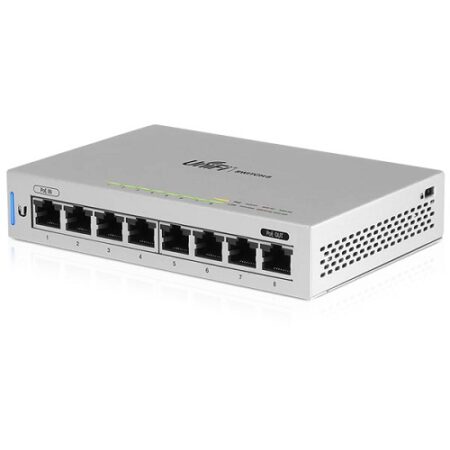
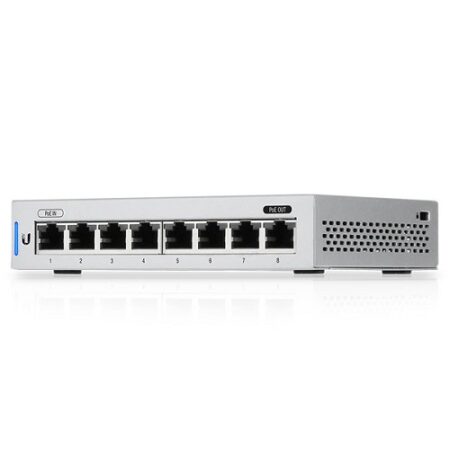
Ubiquiti UniFi US-8 is a non-PoE 8 port gigabit switch, which supports PoE pass through,US-8 is fully manageable, delivering robust performance for your network.
Out of stock
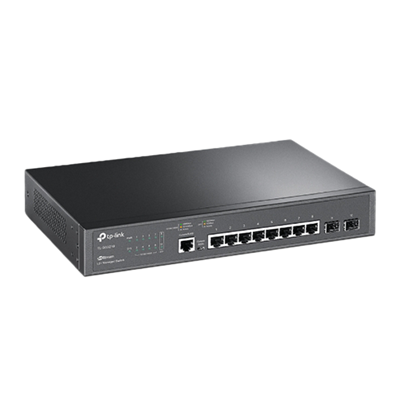
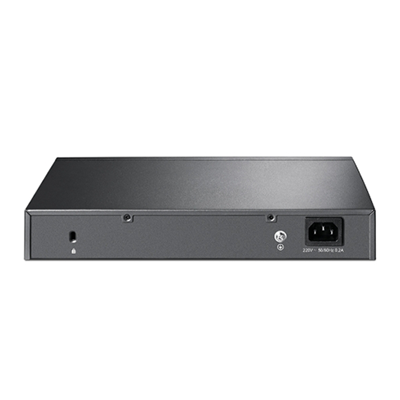
TP-Link TL-SG3210 JetStream 8-Port Layer 2+ Managed Gigabit Switch w/ 2 x 1G SFP Slots
The TP-Link TL-SG3210 JetStream 8-Port L2+ Managed Gigabit Ethernet Switch provides high performance, powerful L2 and L2+ features like static routing, enterprise-level QoS, advanced security strategies and a bundle of ISP features. The IP-MAC-Port Binding (IMPB) and Access Control List (ACL) functions protect against broadcast storm, ARP and Denial-ofService (DoS) attacks, etc. Quality of Service (QoS, L2 to L4) provides enhanced traffic management capabilities to move your data smoother and faster. The OAM and DDM functions help facilitate network management. Moreover, the easy-to-use web management interfaces, along with CLI, SNMP and Dual Image mean faster setup and configuration with less downtime. TP-Link JetStream L2/L2+ managed Switches provide a reliable, secure solution for enterprise, campus and ISP networks.
Out of stock
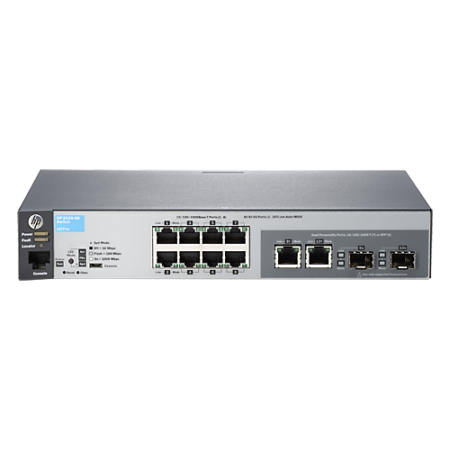
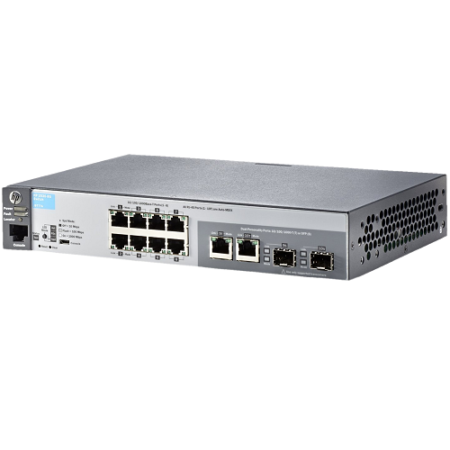
HP 2530-8G 8-Port Layer 2 Managed Gigabit Switch w/ 2x SFP Combo Ports, J9777A
The HP 2530-8G 8-Port Layer 2 Managed Gigabit Switch provides security, reliability and ease of use for enterprise edge, branch office, and SMB deployments. This HP 2530-8G 8-Port Layer 2 Managed Gigabit Switch delivers full Layer 2 capabilities with optional PoE+, 10GbE uplinks, enhanced access security, traffic prioritisation, sFlow, IPv6 host support and include Lifetime Warranty 2.0. This HP 2530-8G 8-Port Layer 2 Managed Gigabit Switch is easy to use and deploy, and can be managed with the HP Intelligent Management Centre (IMC) for a single view of your entire network.
Out of stock
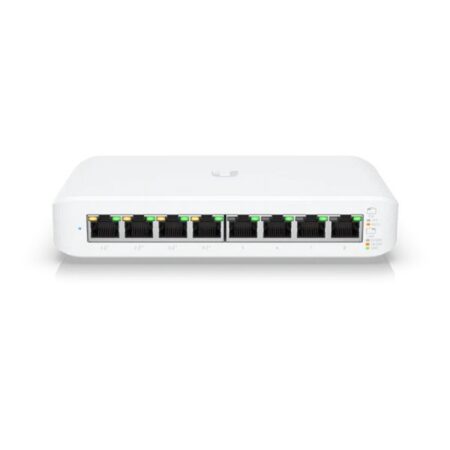

Ubiquiti USW-Lite-8-PoE UniFi 8-Port Cloud Managed Desktop Gigabit PoE+ Switch (52 W)
( 11 in Stock – Available for next day shipment )
The Ubiquiti USW-Lite-8-PoE 8-Port Cloud Managed Desktop Gigabit PoE+ Switch is a fully managed Layer 2 switch with eight (8) Gigabit Ethernet ports for your RJ45 Ethernet devices.
11 in stock

Ubiquiti USW-Aggregation UniFi 8-Port Layer 2 Managed Rackmount 10-Gigabit SFP+ Switch
The Ubiquiti USW-Aggregation 8-Port Layer 2 Managed Rackmount 10-Gigabit SFP+ Switch offers link aggregation for higher capacity and increased availability. The USW-Aggregation switch features Layer 2 capabilities and supports high bandwidth links, making it ideal for aggregation switching to any UniFi solution that deploys various interconnect topologies. Its built-in 36W AC/DC power supply can support copper Ethernet UF-RJ45-10G modules (sold separately ) in all eight ports.
14 in stock

Ubiquiti UniFi US-8-150W Switch
The Ubiquiti UniFi US-8-150W is a fully managed 8 port PoE+ Gigabit switch, delivering robust performance and intelligent switching for growing networks. The US-8-150W is a fanless UniFi switch which delivers a quiet yet powerful performance.
30 in stock
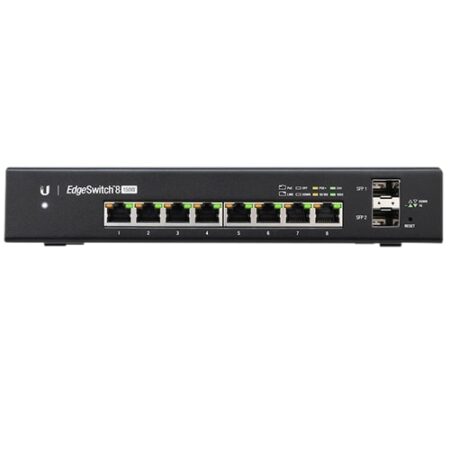

Ubiquiti ES-8-150W EdgeSwitch 8-Port Layer 2 Managed Gigabit PoE+ Switch w/ 2x SFP Ports (150W)
The Ubiquiti ES-8-150W EdgeSwitch 8-Port Layer 2 Managed Gigabit PoE+ Switch is a fully managed, high-performance switch that delivers powerful performance and intelligent switching with its eight independent switching ports. A DC input option is included for flexibility. This Ubiquiti ES-8-150W includes 24V Passive PoE to simplify your infrastructure and by default, automatically detects 802.3af/at devices so they automatically receive PoE. For 24V Passive PoE devices, manually enable 24V passive PoE using the EdgeSwitch Configuration Interface.
42 in stock
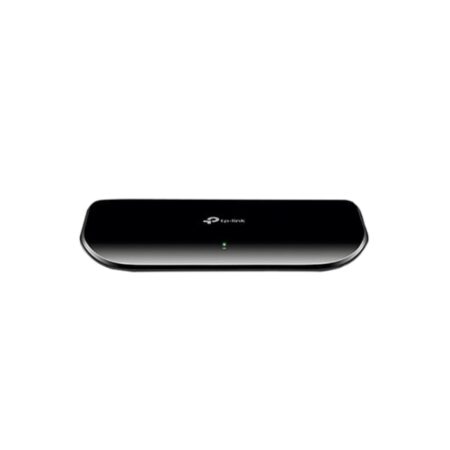
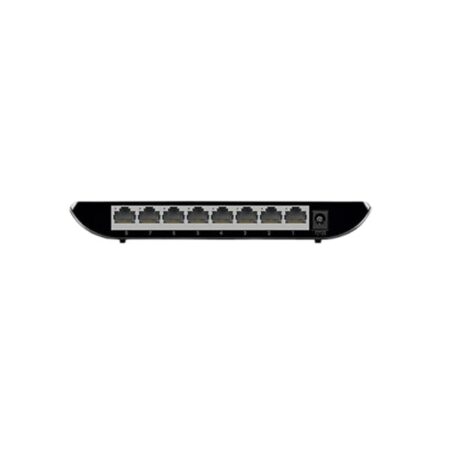
TP-Link TL-SG1008D 8-Port Unmanaged Desktop Gigabit Switch
TP-LINK TL-SG1008D 8 Port Gigabit Switch provides you with a high-performance, low-cost, easy-to-use, seamless and standard upgrade to improve.
Out of stock
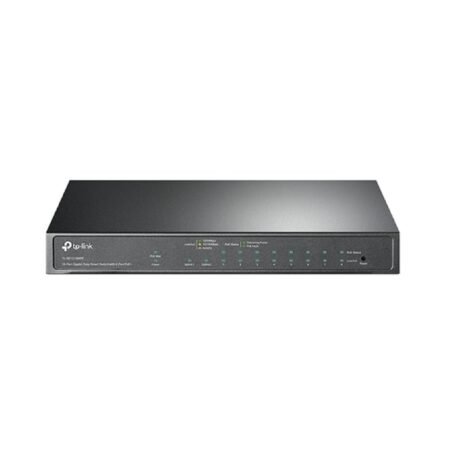
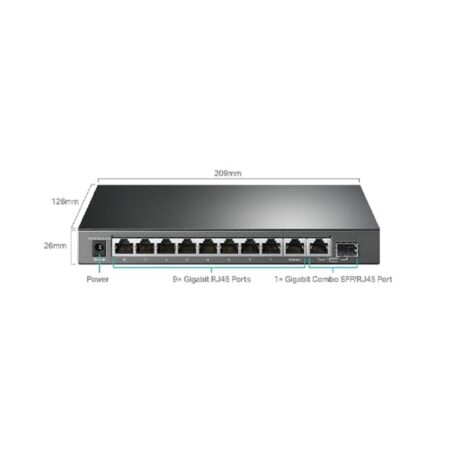
TP-Link TL-SG1210MPE Easy Smart 9-Port Smart Managed Desktop Gigabit PoE+ Switch w/ 1 x 1GbE RJ45/SFP Combo Port (123W)
TP-Link TL-SG1210MPE Easy Smart Desktop PoE+ 9 Port Gigabit Switch is an easy smart switch with nine (9) gigabit RJ45 ports.
Out of stock
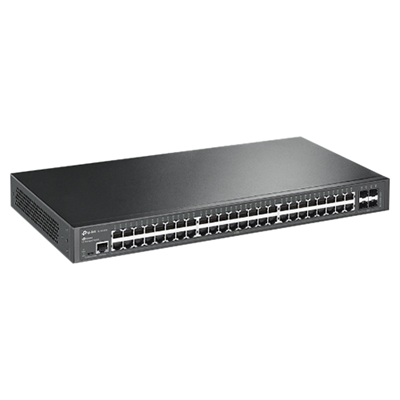
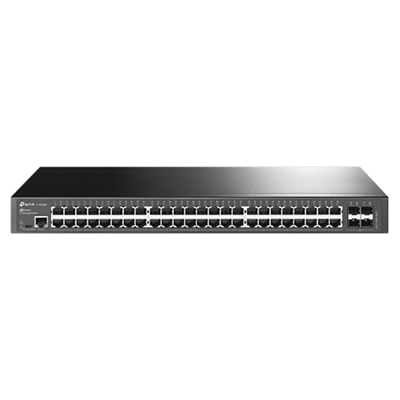
TP-Link TL-SG3452 JetStream 48-Port Smart Managed Rackmount Gigabit Switch w/ 4 x 1G SFP Ports
The TP-Link TL-SG3452 JetStream 48-Port Layer 2 Managed Rackmount Gigabit Switch provides reliable gigabit connections with forty-eight (48) RJ45 ports and four (4) SFP ports. With Omada, you can manage and maintain your TL-SG3452 switch using this Centralised Cloud Management SDN solution to make your network as efficient as it can be. The advanced Layer 2+ features include L2/L3/L4 QoS, ACL, Static Routing and more, along with an abundance of security strategies, such as LAN Area Investment Protection.
Out of stock
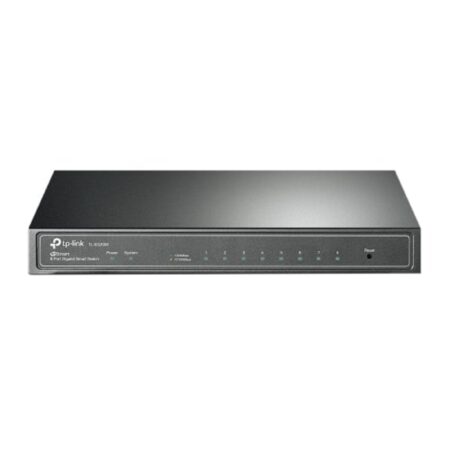
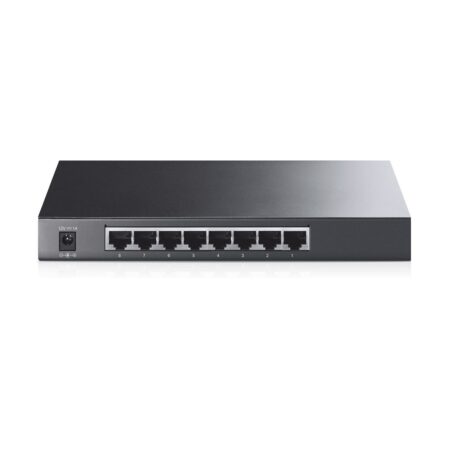
TP-Link TL-SG2008 JetStream 8-Port Layer 2+ Managed Desktop Gigabit Switch
Seamless wireless & wired connections are provided ideally for hospitality, education, retail, offices much more.
Out of stock
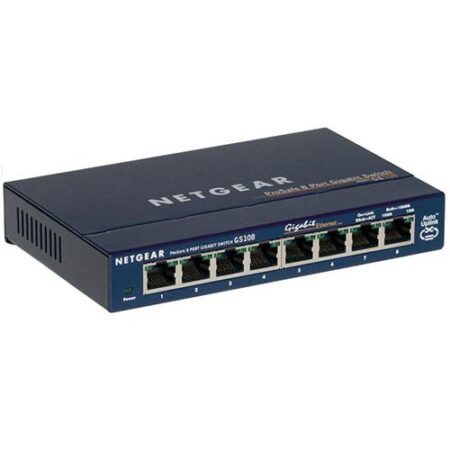

NETGEAR GS108 ProSAFE 8-Port Gigabit Switch
Now you can have a powerful, high-speed network on a small scale. Netgear’s GS108 Gigabit Ethernet Switch lets you build a system that provides a full, dedicated 1000, 100, or 10 Mbps connection so you can move very large files across your network instantly. The Netgear GS108 also lets you painlessly integrate 10, 100, and 1000 Mbps devices. The Netgear GS108 is a potent switch packed with ease-of-use features to simplify your workday experience. The Netgear’s GS108 compact design fits neatly into small work spaces and, since it’s self-cooling without a fan, it runs silently and unobtrusively.
984 in stock
Reviews
There are no reviews yet.