
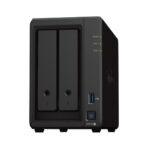
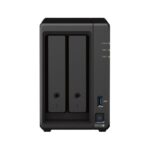
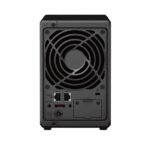


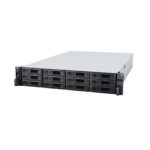

Synology DS723+ 2-Bay Network Storage Enclosure (2GB RAM)
Synology DS723+ 2-Bay NAS Enclosure
Synology DS723+ 2-Bay NAS Enclosure device is a compact and flexible NAS solution that can be adjusted and expanded as your needs change, with optional support for up to seven drives (sold separately), faster networking, and NVMe SSDs (sold separately) for caching or additional storage pools.
Powered by Synology DiskStation Manager (DSM), it offers a flexible all-in-one solution for data sharing, synchronisation, backup, and surveillance.

Compact and capable storage for home and small business
Key Features
- Capacity
Un-populated two (2) bay network attached NAS storage device - Dependable Performance
Up to 471/225 MB/s sequential read/write throughput makes file operations quick and efficient. - Versatile Network Storage
Leverage built-in file and photo management, data protection, virtualization, and surveillance solutions. - Fast and Stable Connectivity
Two 1GbE ports for simple integration into existing environments with optional 10GbE connectivity to tackle more specialized, bandwidth-heavy applications. - Easy Capacity Expansion
Add 5 extra drive bays with one DX517 expansion unit (sold separately) for a maximum of 7 storage drives
Take your data management to the next level
Versatile smart storage that helps you consolidate and store your growing digital data.
- Stunningly compact
Powerful functionality in a tiny package, with room for 10GbE and dual NVMe drives. - Consolidate and share
Flexibly store and organise 50 TB of data, then share with anyone. - Keep your data safe
Hardware and software engineered to protect your data — trusted by millions
The performance you need
Reduce transfer times with the DS723+, designed to accelerate your workloads. Easily add faster networking and NVMe drives to further boost performance.
Versatile and flexible storage
Make the most of high-performance networking and file access without taking up unnecessary space. DS723+ comes equipped with 2 bays and can scale up to 7 bays with the DX517 expansion unit as your data needs grow.
Private cloud storage
Access files from all your devices and protect them with smart versioning. Manage, share, and sync your data across locations.
Consolidate data management
- A private cloud for all your devices
Powerful functionality to deploy your own personal cloud with Synology’s private cloud solution. Simplify file access and consolidate your data management to benefit from easier file sharing and collaboration. - Professional photo management
Efficiently back up and organise photos and videos with management tools for novice and professional users alike. Automatically organise your content into albums and create secure share links to share files with family, friends, or clients.
Collaborate across sites
- Sync files and folders between sites
Site-to-site file syncing allows collaborators to sync individual files or folders between Synology devices, whether at home, another office, or across the world. Combine convenient access with 100% data ownership. - Share data with the power of the cloud
Reduce your on-site storage footprint and benefit from data centre network speeds with hybrid cloud technology. Set up Hybrid Share Folders to efficiently store cold data in the cloud, while keeping frequently accessed files cached locally on your DS723+ and accessible at LAN speeds
Multi-layered backup
Back up files, folders, physical devices, VMs, and SaaS applications with free solutions, and protect your NAS with built-in technologies.
Back up all your devices
- Centralise your backup and recovery solution
Consolidate and automate backup tasks for PCs, file servers, VMs, SaaS applications, and more with Active Backup Suite. Administer device backups remotely through a centralised portal and quickly restore specific files or entire devices to keep your business up and running. Take advantage of built-in remote backup solutions designed to protect your data with seamless 3-2-1 backup configurations.
Protect your Synology system
- Perform full Synology system backups
Protect all data, applications, and configurations on your Synology systems with comprehensive scheduled backups to local and remote servers, external drives, or cloud storage destinations including Synology C2 Storage. - Protect folders and LUNs with snapshots
Configure efficient point-in-time snapshots of shared folders and LUNs at intervals as short as 5 minutes. Allow users to easily restore previous versions of files unassisted, quickly recover VMs, and copy snapshots to another server to benefit from rapid storage failover.
Smart surveillance
Transform your Synology device into a full-featured video management system for a wide range of compatible IP cameras.
Monitor and protect your business
- Synology Surveillance Station
Protecting your business has never been easier with centralised video management, support for over 8,300 IP camera models, and remote monitoring and playback of footage. Synology’s surveillance management system provides all the tools you need for live monitoring, alerts, investigation, management, and backup.
Back up your surveillance footage
- Dual recording
C2 Surveillance allows you to keep access to surveillance footage if your recording server is disabled by recording to your local server as well as C2 cloud. End-to-end encryption protects streams against unauthorized access while low latency recording lets you review the crucial last few seconds before the recording server was lost.
Performance backed by Synology drives
Leverage high sustained performance and reliability with enterprise-grade drives with built-in data protection designed for Synology systems.
Get more with DiskStation Manager
Take advantage of a host of native productivity, management, and security solutions available in the web-based Synology DSM operating system.
- Central Management System
Conveniently manage your fleet of Synology NAS from a centralised console. - Security
Shield your Synology NAS from the most sophisticated threats with industry-leading security solutions. - Synology High Availability
Seamless transition between clustered servers in the event of a server failure to minimize the impact on applications.
Get extra protection with Extended Warranty Plus
Extend the standard 3-year hardware warranty of your DS723+ with 2 more years (sold separately) of Synology-certified support and premium services that help you recover faster in the event of disaster.
Specifications
Hardware Specifications
CPU
CPU Model
- AMD Ryzen R1600
CPU Quantity
- 1
CPU Architecture
- 64-bit
CPU Frequency
- 2-core 2.6 (base) / 3.1 (turbo) GHz
Hardware Encryption Engine (AES-NI)
- Yes
Memory
System Memory
- 2 GB DDR4 ECC
Memory Module Pre-installed
- 2 GB (2 GB x 1)
Total Memory Slots
- 2
Maximum Memory Capacity
- 32 GB (16 GB x 2)
Notes
- Synology reserves the right to replace memory modules with the same or higher frequency based on supplier’s product life cycle status. Rest assured that the compatibility and stability have been strictly verified with the same benchmark to ensure identical performance.
- Please select Synology memory modules for optimum compatibility and reliability. Synology will not provide complete product warranty or technical support if non-Synology memory modules are used for memory expansion.
Storage
Drive Bays
- 2
Maximum Drive Bays with Expansion Unit
- 7 (DX517 x 1, sold separately)
M.2 Drive Slots
- 2 (NVMe)
Compatible Drive Type
- 3.5-inch SATA HDD
- 2.5-inch SATA SSD
- M.2 2280 NVMe SSD
Hot Swappable Drive
- Yes
Notes
- The hot swappable drive feature is not supported by M.2 SSD slots.
- “Compatible drive type” indicates drives that have been tested to be compatible with Synology products. This term does not indicate the maximum connection speed of each drive bay.
External Ports
RJ-45 1GbE LAN Port
- 2 (with Link Aggregation / Failover support)
USB 3.2 Gen 1 Port
- 1
eSATA Port
- 1
Notes
- This device’s 1GbE LAN ports have a maximum transmission unit (MTU) size of 1,500 bytes.
PCIe
PCIe Expansion
- 1 x Gen3 x2 network upgrade slot
File System
Internal Drives
- Btrfs
- EXT4
External Drives
- Btrfs
- EXT4
- EXT3
- FAT
- NTFS
- HFS+
- exFAT
Appearance
Size (Height x Width x Depth)
- 166 mm x 106 mm x 223 mm
Weight
- 1.51 kg
Others
System Fan
- 92 mm x 92 mm x 1 pcs
Fan Speed Mode
- Full-Speed Mode
- Cool Mode
- Quiet Mode
Brightness Adjustable Front LED Indicators
- Yes
Power Recovery
- Yes
Noise Level
- 20.7 dB(A)
Scheduled Power On / Off
- Yes
Wake on LAN / WAN
- Yes
Power Supply Unit / Adapter
- 65 W
AC Input Power Voltage
- 100V to 240V AC
Power Frequency
- 50/60 Hz, Single Phase
Power Consumption
- 21.07 W (Access)
- 8.62 W (HDD Hibernation)
British Thermal Unit
- 71.85 BTU/hr (Access)
- 29.39 BTU/hr (HDD Hibernation)
Notes
- Noise testing was conducted with the Synology system fully installed with Synology SATA HDDs and in an idle state. Two G.R.A.S. Type 40AE microphones are placed at a 1 m distance from the front and rear of the device. Background noise: 16.49-17.51 dB(A); Temperature: 24.25-25.75°C; Humidity: 58.2-61.8%
Temperature
Operating Temperature
- 0°C to 40°C (32°F to 104°F)
Storage Temperature
- -20°C to 60°C (-5°F to 140°F)
Relative Humidity
- 5% to 95% RH
DSM Specifications
Storage Management
Maximum Single Volume Size
- 108 TB
Maximum Internal Volume Number
- 64
M.2 SSD Storage Pool Support
- Yes
SSD Read / Write Cache
- Yes
SSD TRIM
- Yes
Supported RAID Type
- Synology Hybrid RAID
- Basic
- JBOD
- RAID 0
- RAID 1
- RAID 5 (with Expansion Unit)
- RAID 6 (with Expansion Unit)
- RAID 10 (with Expansion Unit)
RAID Migration
- Basic to RAID 1
- Basic to RAID 5 (with Expansion Unit)
- RAID 1 to RAID 5 (with Expansion Unit)
- RAID 5 to RAID 6 (with Expansion Unit)
Volume Expansion with Larger HDDs
- Synology Hybrid RAID
- RAID 1
- RAID 5 (with Expansion Unit)
- RAID 6 (with Expansion Unit)
- RAID 10 (with Expansion Unit)
Volume Expansion by Adding a HDD
- Synology Hybrid RAID
- JBOD (with Expansion Unit)
- RAID 5 (with Expansion Unit)
- RAID 6 (with Expansion Unit)
Global Hot Spare Supported RAID Type
- Synology Hybrid RAID
- RAID 1 (with Expansion Unit)
- RAID 5 (with Expansion Unit)
- RAID 6 (with Expansion Unit)
- RAID 10 (with Expansion Unit)
Notes
- Usable capacity for each volume will be lower than the maximum volume size and is dependent on the filesystem and the amount of system metadata stored.
- Creating M.2 storage pools requires the use of Synology-verified SSDs, which are rigorously tested under extreme temperature conditions. Thermal parameters for SSDs and NAS units are fine-tuned to ensure optimal management of thermal conditions under I/O-intensive environments.
- Actual maximum storage pool and volume sizes depend on drive sizes used, the number of drive bays available, and the RAID configuration.
- Each internal volume (may consist of multiple drives) is expandable up to 108TB.
File Services
File Protocol
- SMB/AFP/NFS/FTP/WebDAV
Maximum Concurrent SMB/AFP/FTP Connections
- 500
Maximum Concurrent SMB/AFP/FTP Connections (with RAM expansion)
- 2,000
Windows Access Control List (ACL) Integration
- Yes
NFS Kerberos Authentication
- Yes
Notes
- Regarding data concerning tests with RAM expansion, all memory slots are installed with the maximum capacity of supported RAM.
- The testing standard was based on the maximum number of concurrent connections supported by this model. During the testing, 25% of the connections were used to transfer files concurrently. The transfer process guaranteed that the connections were not interrupted; the minimum transfer speed was not guaranteed.
Account & Shared Folder
Maximum Local User Accounts
- 2,048
Maximum Local Groups
- 256
Maximum Shared Folder
- 512
Maximum Shared Folder Sync Tasks
- 8
Hybrid Share
Hybrid Share Folder Number
- 10
High Availability
Synology High Availability
- Yes
Log Centre
Syslog Events per Second
- 800
Virtualization
VMware vSphere with VAAI
- Yes
Windows Server 2016
- Yes
Windows Server 2019
- Yes
Citrix Ready
- Yes
OpenStack
- Yes
General Specifications
Networking Protocols
- SMB1 (CIFS), SMB2, SMB3, NFSv3, NFSv4, NFSv4.1, NFS Kerberized sessions, iSCSI, HTTP, HTTPs, FTP, SNMP, LDAP, CalDAV
Supported Browsers
- Google Chrome
- Firefox
- Microsoft Edge
- Safari
Supported Language
- English
- German
- French
- Italian
- Spanish
- Danish
- Norwegian
- Swedish
- Dutch
- Russian
- Polish
- Hungarian
- Brazilian Portuguese
- European Portuguese
- Turkish
- Czech
- Thai
- Japanese
- Korean
- Traditional Chinese
- Simplified Chinese
Add-on Packages
Antivirus by McAfee (Trial)
- Yes
Central Management System
- Yes
Synology Chat
Maximum Number of Concurrent Users
100
Notes
- Measured with simulated users, each with an average record of 20,000 messages, emojis, or stickers. The required server response time is below ten seconds.
- When applicable, systems are tested configured with maximum memory and set to allow the maximum number of connections.
Document Viewer
- Yes
Download Station
Maximum Concurrent Download Tasks
- 80
SAN Manager
Maximum iSCSI Target Number
- 128
Maximum LUN
- 256
LUN Clone/Snapshot, Windows ODX
- Yes
Synology MailPlus / MailPlus Server
Free Email Accounts
- 5 (Licences required for additional accounts)
Maximum Number of Concurrent Users
- 100
Maximum Server Performance
- 1,224,000 emails per day, approx. 37GB
Notes
- Models with 2 bays and dual M.2 drive slots were installed with two SSDs for SSD cache.
- For tested models with expandable memory, the maximum amount of RAM was installed.
- The performance of the mail system will slightly decrease in high-availability mode due to data synchronisation between the two servers.
- Functions that were enabled in all of the tests above: anti-spam, anti-virus, DNSBL, greylist, content scan, full-text search (English only).
Media Server
DLNA Compliance
- Yes
Synology Photos
Facial Recognition
- Yes
Snapshot Replication
Maximum Snapshots per Shared Folder
- 1,024
Maximum of System Snapshots
- 65,536
Surveillance Station
Maximum IP cam (Licences required)
- 40 (including 2 Free Licence)
Total FPS (H.264)
- 1200 FPS @ 720p (1280×720)
- 800 FPS @ 1080p (1920×1080)
- 350 FPS @ 3M (2048×1536)
- 280 FPS @ 5M (2591×1944)
- 170 FPS @ 4K (3840×2160)
Total FPS (H.265)
- 1200 FPS @ 720p (1280×720)
- 1200 FPS @ 1080p (1920×1080)
- 600 FPS @ 3M (2048×1536)
- 480 FPS @ 5M (2591×1944)
- 200 FPS @ 4K (3840×2160)
Notes
- Maximum IP cameras and FPS figures are tested with the device fully populated with drives and under a continuous recording setup.
- Actual system capabilities may differ depending on system configuration, drive performance, number of features enabled, and if additional workloads are present.
Synology Drive
Recommended Number of Concurrent Sync Clients
- 350 (the number of connections that can be maintained when the recommended number of hosted files was reached)
Recommended Number of Hosted Files
- 5,000,000 (applies to files indexed or hosted by Synology Drive. For file access through other standard protocols, refer to the File Services section above)
Notes
- Exceeding the recommended numbers above will not block application operations, but may result in longer response time.
- Utilizing SSD cache can significantly improve performance.
- For tested models with expandable memory, the maximum amount of RAM was installed.
- Btrfs file system and non-encrypted shared folders were used during the aforementioned testing.
Synology Office
Maximum Users
- 1,200
Notes
- Multiple files were opened for testing and each file was edited by 30 users simultaneously.
- For tested models with expandable memory, the maximum amount of RAM was installed.
- Client performance may affect maximum simultaneous editing users. Client PCs used for testing: Intel Core i3-3220 / 8GB RAM
Video Station
- Yes
Virtual Machine Manager
Recommended Virtual Machine Instances
- 4
Recommended Virtual DSM Number (Licences required)
- 4 (including 1 Free Licence)
Notes
- The specifications vary depending on system configuration and memory size.
VPN Server
Maximum Connections
- 40
Package Contents
- 1 x Main Unit
- 1 x Accessory Pack
- 1 x AC Power Adapter
- 1 x AC Power Cord
- 2 x RJ-45 LAN Cable
- 1 x Quick Installation Guide
Standard Warranty: 3-Years
Only logged in customers who have purchased this product may leave a review.
Related Products

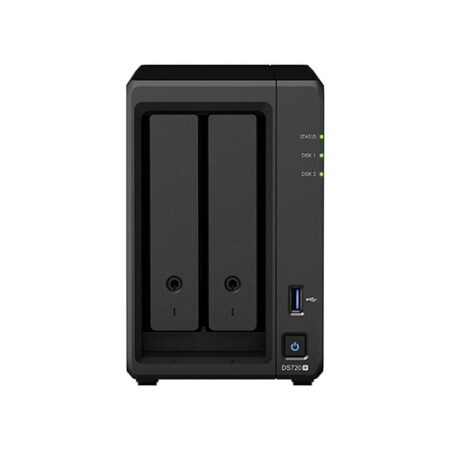
Synology DS720+ DiskStation 2-Bay NAS Enclosure w/ 2 x M.2 NVMe Slots (2GB RAM)
Synology DS720+ DiskStation 2-Bay NAS Enclosure Device is a compact network-attached storage solution to streamline data and multimedia management.
Out of stock
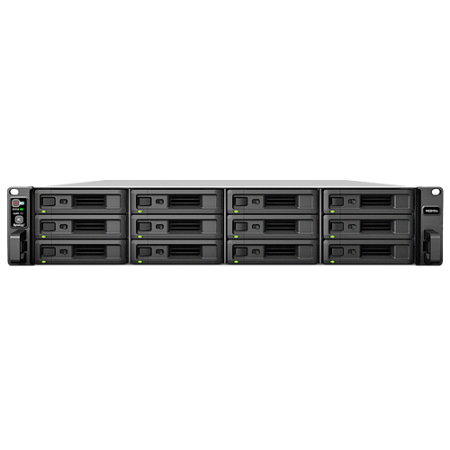
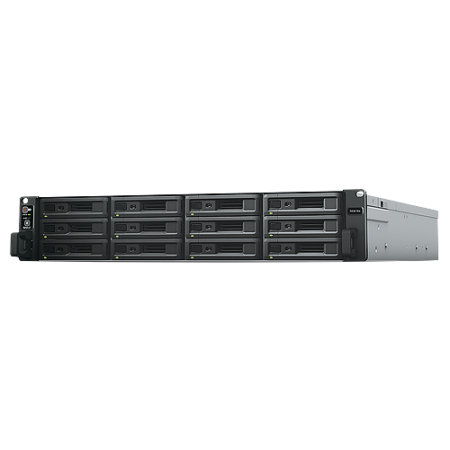
Synology RS3618xs 12-Bay NAS Enclosure (8GB RAM)
Synology RS3618xs RackStation NAS is a reliable, superior-performance network-attached storage solution for large-scale enterprises with demanding business applications.
Out of stock


Synology DS420j DiskStation 4-Bay 1GB RAM Network Storage Enclosure
DS420j is a 4-bay desktop NAS designed for Home NAS with over 60TB raw capacity support, suitable for data backup and file sharing.
Out of stock
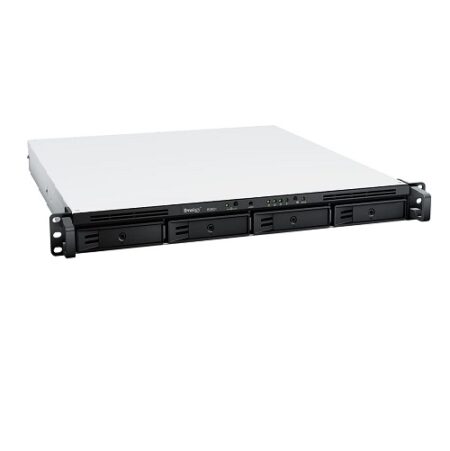

Synology 4-Bay RackStation RS822+ (Diskless)
Synology RackStation RS822+ is a 4-bay rackmount NAS suitable for branch offices and small and medium-sized businesses with ever increasing data management needs.
Out of stock
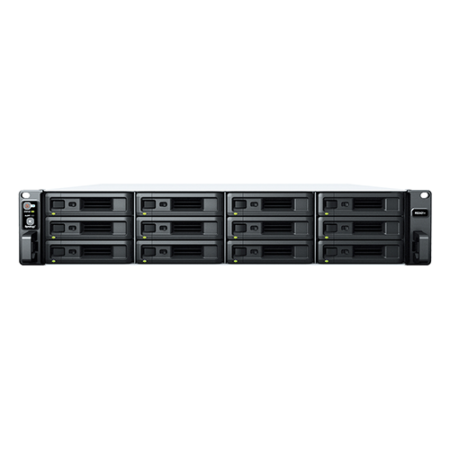

Synology RS2421+ 12-Bay NAS Enclosure (4GB RAM)
The Synology RS2421+ RackStation 12-Bay Rackmount NAS features cost-effective file management, sharing, and backup capabilities, specially designed for small business and remote office deployments. Powered by Synology’s DiskStation Manager (DSM), RS2421+ units come with powerful built-in business services and can easily be expanded with SSD cache and 10/25GbE networking capabilities.
Out of stock
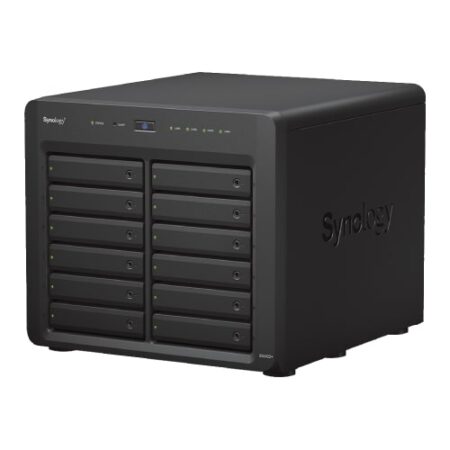

Synology DS2422+ 12-Bay Network Attached Storage Enclosure (4GB RAM)
Synology DS2422+ 12-Bay Network Attached Storage Enclosure is a capable choice for SMB with large storage, file sharing & data protection in a multi-user environment.
Out of stock


Synology DS218 2-Bay 2GB RAM Network Storage Enclosure
A high-performance and versatile 2-bay NAS designed for small offices and home users to effectively manage, protect & share data.
Out of stock
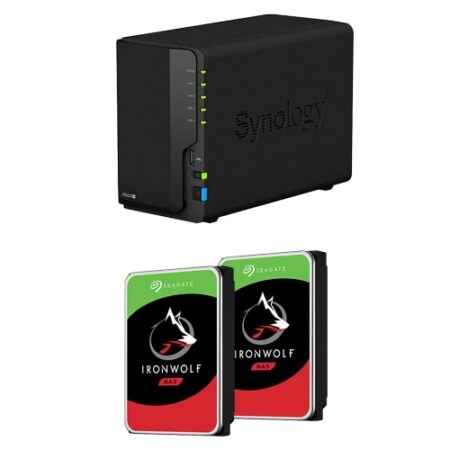

Synology DS220+ 2-Bay 8TB NAS w/ 2x4TB IronWolf
Synology DS220+ 2-Bay 8TB Network Storage Bundle is a compact network-attached storage solution designed to streamline your data and multimedia management.
Out of stock
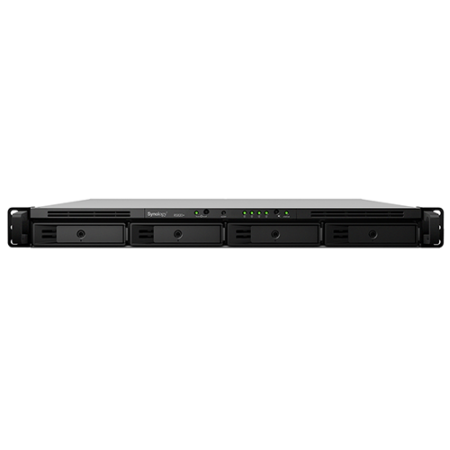
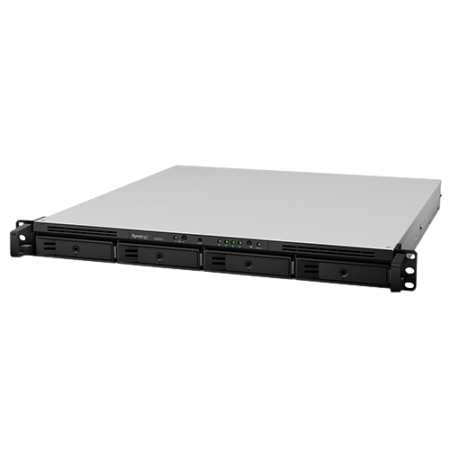
Synology RS819 RackStation 4-Bay Rackmount NAS Enclosure (2GB RAM)
The Synology RS819 RackStation 4-Bay Network Attached NAS Storage Enclosure is a compact and scalable rackmount NAS in 1U form factor. Powered by Synology DiskStation Manager with snapshot technology support, the RS819 brings business workgroups simple yet comprehensive solutions to data management, sharing, synchronisation and backup.
Out of stock
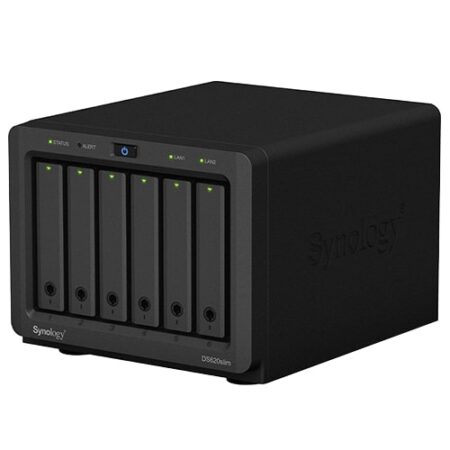

Synology DS620slim DiskStation 6-Bay Network Storage Enclosure (2GB RAM)
Synology DS620slim DiskStation 6-Bay Network Storage Enclosure is unique, compact and ready to boost your productivity at work.
Out of stock


Synology RS4021xs+ RackStation 16-Bay Network Storage Enclosure
Synology RS4021xs+ 16-Bay NAS Enclosure (16 GB RAM) NAS Storage Enclosure is designed for high throughput and data integrity, made with built-in redundant power.
Out of stock

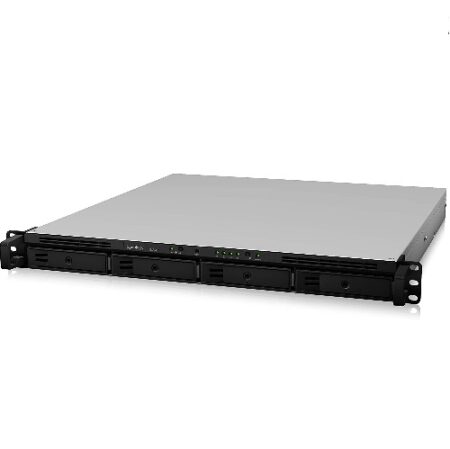
Synology RackStation (RS820+)
(Stock Confirmation,Before order )
Synology RackStation (RS820+) is an ideal network-attached storage solution for centralizing data management.
Out of stock
Reviews
There are no reviews yet.