

DrayTek AP810-K WiFi 4 Access Point (N)

£149.16 inc.VAT / £124.30 exc.VAT
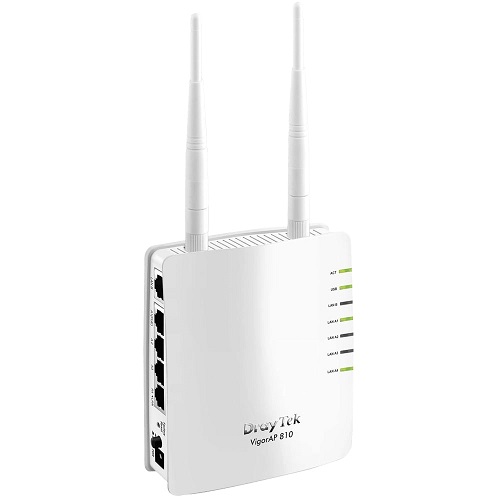
DrayTek VigorAP 810 WiFi 4 PoE Access Point (300Mbps N)
The DrayTek Vigor AP-810 is a standalone WiFi access point, ideal for adding wireless connectivity to an existing LAN, or for expanding the range of an existing wireless LAN by using the WDS features. It can also be used as part of the DrayTek managed wireless system. This DrayTek Vigor AP-810 replaces the popular DrayTek Vigor AP-800, adding full compatibility with the DrayTek managed wireless platform.
Out of stock

DrayTek VigorAP 810 WiFi 4 PoE Access Point (300Mbps N)
DrayTek AP810-K WiFi 4 Access Point (N)
The DrayTek Vigor AP-810 is a standalone WiFi access point, ideal for adding wireless connectivity to an existing LAN, or for expanding the range of an existing wireless LAN by using the WDS features. It can also be used as part of the DrayTek managed wireless system. This DrayTek Vigor AP-810 replaces the popular DrayTek Vigor AP-800, adding full compatibility with the DrayTek managed wireless platform.
Key Features
- Business-class 802.11n WLAN access point.
- Manageable by DrayTek Wireless Management.
- PoE (Power-over-Ethernet) as standard.
- Dual isolated LAN interfaces.
- Four (4) 10/100 Fast Ethernet Switch.
- Wireless Encryption : WEP, WPA, WPA2.
- Repeater/Bridge/Access Point/Station Modes.
- Wireless Client Isolation and MAC Address Filtering.
- Bandwidth management per SSID.
- 802.1q VLAN Tagging (two subnets/VLANs).
- Up to four distinct SSIDs (for VLANs).
- 802.1x, Radius / WPA User Authentication.
- WDS (Wireless Distribution System).
- WMM (Wireless multimedia).
- WPS – WiFi Protected Setup.
- Built-in Site Surveyor.
Wireless Security
The DrayTek Vigor AP-810 features multiple levels of wireless security. Encryption using WEP, WPA, WPA2 (802.11i) is available you can also use the access control list (ACL) to specify the hardware addresses of clients which are permitted to connect (by MAC hardware address). Any unauthorised hardware is refused access.
For additional user authentication, you can activate 802.1x RADIUS (Remote Authentication Dial-in User Service) which allows you to centrally manage and store user names and passwords either within the DrayTek Vigor AP-810 setup itself (thus not needing any external server) on an external radius server which can permit time limited, temporary or continuous access to your clients as required.
The DrayTek Vigor AP-810 supports the 802.1q VLAN protocol so that if it is connected to an 802.1q enabled LAN, it can split tagged data (whether its different subnets or intended for different users) and broadcast each on its own SSID. This means, for example, that your guest WiFi access is provided on a separate isolated SSID with no access to your company data/devices.
Power-over-Ethernet
The DrayTek Vigor AP-810 supports PoE (Power over Ethernet) as standard (built-in) so if the DrayTek Vigor AP-810 is connected to a PoE enabled Ethernet switch or PoE injector, you don’t need any local power to the unit (power supply) – this DrayTek Vigor AP-810 will take its power from the Ethernet cable. This is ideal for situations where you do not have mains power available in the exact location where you want to install the DrayTek Vigor AP-810 or just for general aesthetic neatness, perhaps where the DrayTek Vigor AP-810 is installed somewhere prominent.
The DrayTek Vigor AP-810 is also supplied with an AC/DC mains PSU for installations where you are not using PoE.
User Authentication
For additional security, wireless access can be restricted to authorised users only by use of a unique username and password for each user. This is in addition the encryption provided by WEP/WPA etc. When the user first opens their wireless connection, the DrayTek Vigor AP-810 will request their username/password and not permit access to the LAN or Internet without it.
The DrayTek Vigor AP-810 can use an external radius server to hold user credentials but also has its own built-in radius server to store up to 96 users. The DrayTek Vigor AP-810’s built-in Radius server can also act as a server to additional devices (such as another AP-700, meaning that you don’t need to set up the same users up on several units).
USB Printer Port
The DrayTek Vigor AP-810 has a USB interface into which you can connect a regular printer. That printer is then accessible from any wireless or wired PC which connects to the DrayTek Vigor AP-810, or a PC anywhere else on the network to which the DrayTek Vigor AP-810 is connected. This is ideal to provide printer access to wireless laptops but could also be used for installing a printer elsewhere in your home/office by using a pair of DrayTek Vigor AP-810s to make a bridge.
WMM – WiFi Multimedia
The DrayTek Vigor AP-810 implements intelligent wireless traffic prioritisation for the most efficient management of wireless traffic by using the Wi-Fi Multimedia standard (WMM). WMM defines Quality of Service (QoS) in Wi-Fi networks. It is a precursor to the upcoming IEEE 802.11e WLAN QoS standard, intended to improve timing critical applications such as audio, video and voice applications over WiFi. WMM adds prioritised capabilities to Wi-Fi networks and optimises their performance when multiple concurrent applications, each with different latency and throughput requirements, compete for network resources.
WPS – WiFi Protected Setup
Wireless Security (encryption) is important to protect your data (privacy) but also to prevent unauthorised people from accessing your network or your Internet connection. The WPS system means that instead of having to create and enter long encryption keys, you can activate WPS registration. To activate, you press and hold the WPS button, then activate the WPS function on your PC; the two devices then automatically exchange encryption keys. For security, WPS an be disabled if the DrayTek Vigor AP-810 is physically accessible.
The same button on the DrayTek Vigor AP-810 also serves as a physical on/off switch for the Wireless LAN if you wish to quickly disable it at any time, whilst still leaving your wired ports active.
Dual-LAN
The DrayTek Vigor AP-810 can support two completely independent LANs; each is connected via its own independent RJ45 Ethernet interface. There are Ethernet RJ45 interfaces for LANA (4 ports) and LAN B (one port). These networks remain completely isolated from each other. Each LAN is assigned its own separate Wireless SSID so they remain separated even on the Wireless LAN. This is the equivalent of having two completely separate access points and ideal for public and private networks in the same location or wireless LANS for two separate companies.
Having two physical LAN interfaces provides a much simpler alternative to using tagged VLANs (which requires additional switching hardware with VLAN support) and a Radius server for authentication. It is also much easier/quicker to set up.
Specifications
- IEEE 802.11b/g/n
- 4 x 10/100BaseT Ethernet (LAN A), 1 x 10/100BaseT Ethernet (LAN B)
- USB 2.0 Interface – for printer server
- Frequency Band 2.4 GHz
- Wireless Encryption : WPA2 (802.11i) Encryption (WPA/WEP also supported but not recommended)
- User Authentication : 802.1x (Requires Radius Server) (MD5/PEAP Modes)
- Repeater/Bridge/Access Point/Station Modes
- Wireless Client Status List in WUI
- Wireless Client Isolation
- Up to four distinct SSIDs (for VLANs)
- Hidden SSID
- MAC Address Filtering (ACL)
- WDS (Wireless Distribution System)
- WMM (Wireless MultiMedia)
- WPS – WiFi Protected Setup
- Built-in DHCP server
- 802.1q VLAN (two VLANs/Subnets)
Wireless Transmit Power
- Max 18 ± 1dBm
Temperature
- Operation : 0° C to 40° C
- Humidity: 10% to 90 % (Non-condensing)
Physical
- Physical Dimensions (W x H x D): 112 x 132 x 42 mm
- Weight: 0.255kg (main unit, including Aerials)
- Wall Mountable
Pack Contents
- DrayTek Vigor AP-810 main unit
- Two aerials
- PSU (220-240VAC)
- Quick start guide
- Manual on CD-rom
Power
- 12VDC via AC/DC PSU (supplied) or 802.3af PoE (PoE switch or injector required)
Standard warranty: 2-years
Only logged in customers who have purchased this product may leave a review.
Related Products


TP-Link CPE510 Pharos Outdoor 5Ghz 13dBi WiFi 4 PoE Access Point (300Mbps N)
TP-LINK CPE510 Pharos Outdoor 5Ghz 13dBi WiFi 4 Access Point is part of the Pharos CPE range that is dedicated to cost effective solutions for outdoor wireless networking applications.
Out of stock


Ubiquiti airCube airMAX AC Home Wi-Fi Access Point ACB-AC with PoE In/Out
TheUbiquiti airCube airMAX AC Home Wi-Fi Access Point ACB-AC is a Wi-Fi access point for use in your residential customer deployments. The Ubiquiti airCube AC features 4 x Gigabit Ethernet Ports, 24V PoE Passthrough for airMAX CPE and Dual-Band, 802.11ac, 2×2 MIMO Technology.
121 in stock

TP-Link EAP110 Ceiling Mounted WiFi 4 Access Point (300Mbps N)
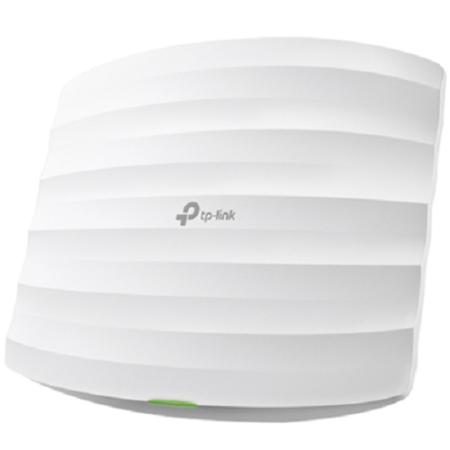
The TP-Link EAP110 Ceiling Mounted WiFi PoE Access Point provides a flexible, easy-to-deploy, manageable and robust security business-class wireless network solution. Simple mounting design to easily mount to a wall or ceiling. WLAN configuration and management are simplified through centralised management software. This TP-Link EAP110 WiFi PoE Access Point also features captive portal and auto RF management, making it ideal for the high-density, intensive demanding businesses environment, include campus, hotels, malls and offices.
Out of stock

Ubiquiti IS-M5 IsoStation M5 Outdoor 5GHz 14 dBi WiFi 4 PoE Access Point (100Mbps+ N)
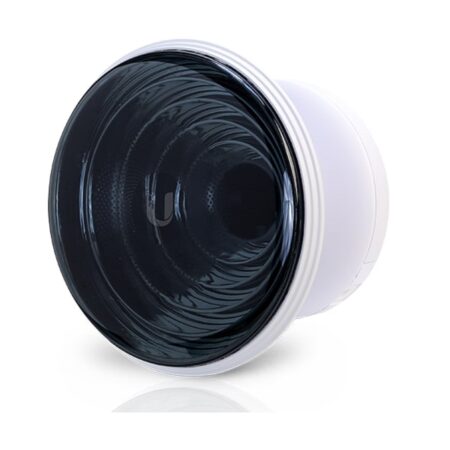
Next-generation airMAX ac technology designed to boost advantages of TDMA protocol. UMobile app provides instant accessibility to the airOS configuration interface.
28 in stock

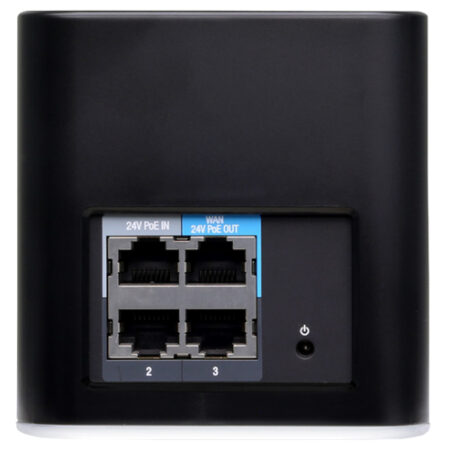
Ubiquiti airCube ACB-ISP airMax Home N300 WiFi 4 PoE Access Point (300Mbps N)
Please note: This products does not come with a power supply,Requires a PoE injector
The Ubiquiti airCube airMAX ISP Home Wi-Fi Access Point ACB-ISP is a Wi-Fi access point for use in your residential customer deployments.
304 in stock


Ubiquiti NSM5 NanoStation M5 airMax Outdoor 5GHz 16dBi WiFi 4 Access Point (150 Mbps N)
(This item gets Dispatch with in 3 to 5 Days of order)
Ubiquiti Networks set the bar for the world’s first low-cost and efficient broadband Customer Premises Equipment (CPE) with the original Ubiquiti NanoStation.
15 in stock


Ubiquiti NBE-M5-16 NanoBeam M5 Outdoor 5GHz 16dBi WiFi 4 AP/Bridge/Link (150 Mbps N)
Ubiquiti NBE-M5-16 NanoBeam M5 Outdoor 5GHz 16dBi WiFi access point has a compact dish design with uniform beam width, efficient footprint and a faster processor.
50 in stock


TP-Link EAP115 Omada Ceiling Mounted WiFi 4 Access Point (300Mbps N)
The TP-Link EAP115 Ceiling Mounted WiFi 4 Access Point provides a flexible, easy-to-deploy, manageable and robust security business-class wireless network solution. The TP-Link EAP115 Ceiling Mounted WiFi 4 Access Point is engineered to handle heavy multi-user usage in large areas without encountering the same stability issues found with standard routers and access points purposed for home use.
Out of stock
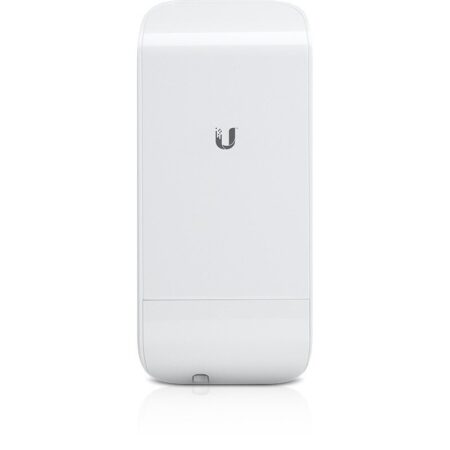
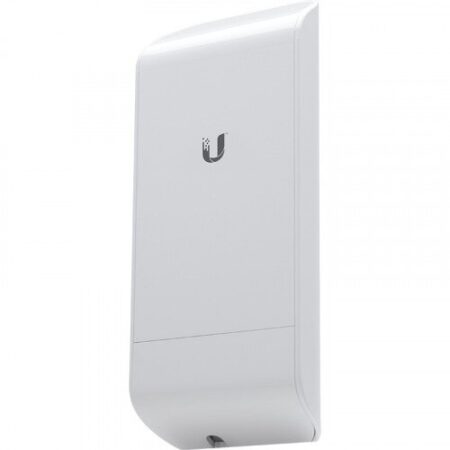
Ubiquiti LOCOM2 Nano Station M2 airMAX Outdoor 2.4 Ghz 8 dBi WiFi 4 Access Point (150 Mbps N)
Ubiquiti Networks set the bar for the world’s first low-cost and efficient broadband Customer Premises Equipment (CPE) with the original Ubiquiti Nano Station.
184 in stock
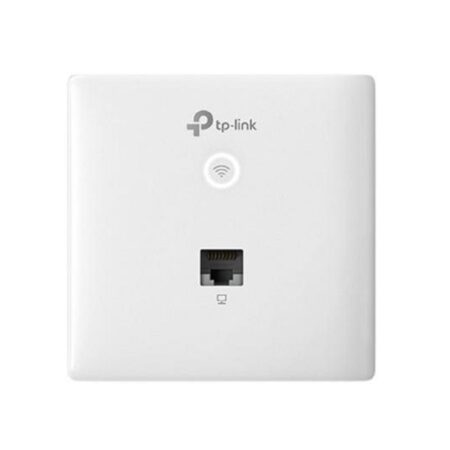

TP-Link EAP115-Wall Plate WiFi 4 Access Point (300Mbps N) w/ 3-Year Omada Hosted Cloud Controller Service
Out of stock
TP-LINK CPE210 Pharos Outdoor 2.4 Ghz 9 dBi WiFi 4 PoE Access Point (300 Mbps N)
The TP-LINK CPE210 Pharos Outdoor 2.4 Ghz 9 dBi Wireless-N Access Point is part of the Pharos CPE range that is dedicated to cost effective solutions for outdoor wireless networking applications.
Out of stock

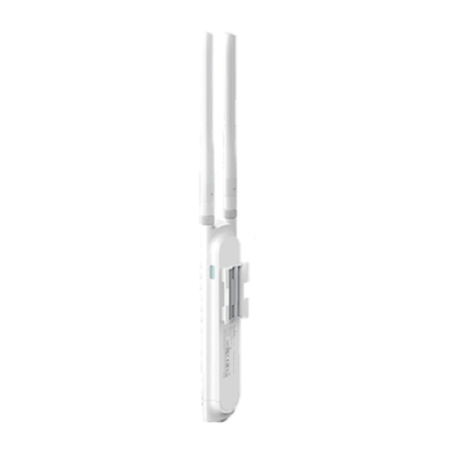
TP-Link Omada EAP110-Outdoor 2.4GHz 5dBi WiFi PoE Access Point (300Mbps N)
With high transmission power and two high-gain omni-directional antennas, the TP-Link Omada EAP110-Outdoor 2.4GHz 3dBi WiFi 4 Access Point is designed to provide stable wireless coverage at a range up to 200 metres in outdoor settings. With incorporated Omada controller software, you can manage hundreds of access points all at once, ideal for small and medium sized business networks.
Out of stock
Reviews
There are no reviews yet.